SETUP
Optional Accessories
M425 I
NSTALLATION GUIDE 29
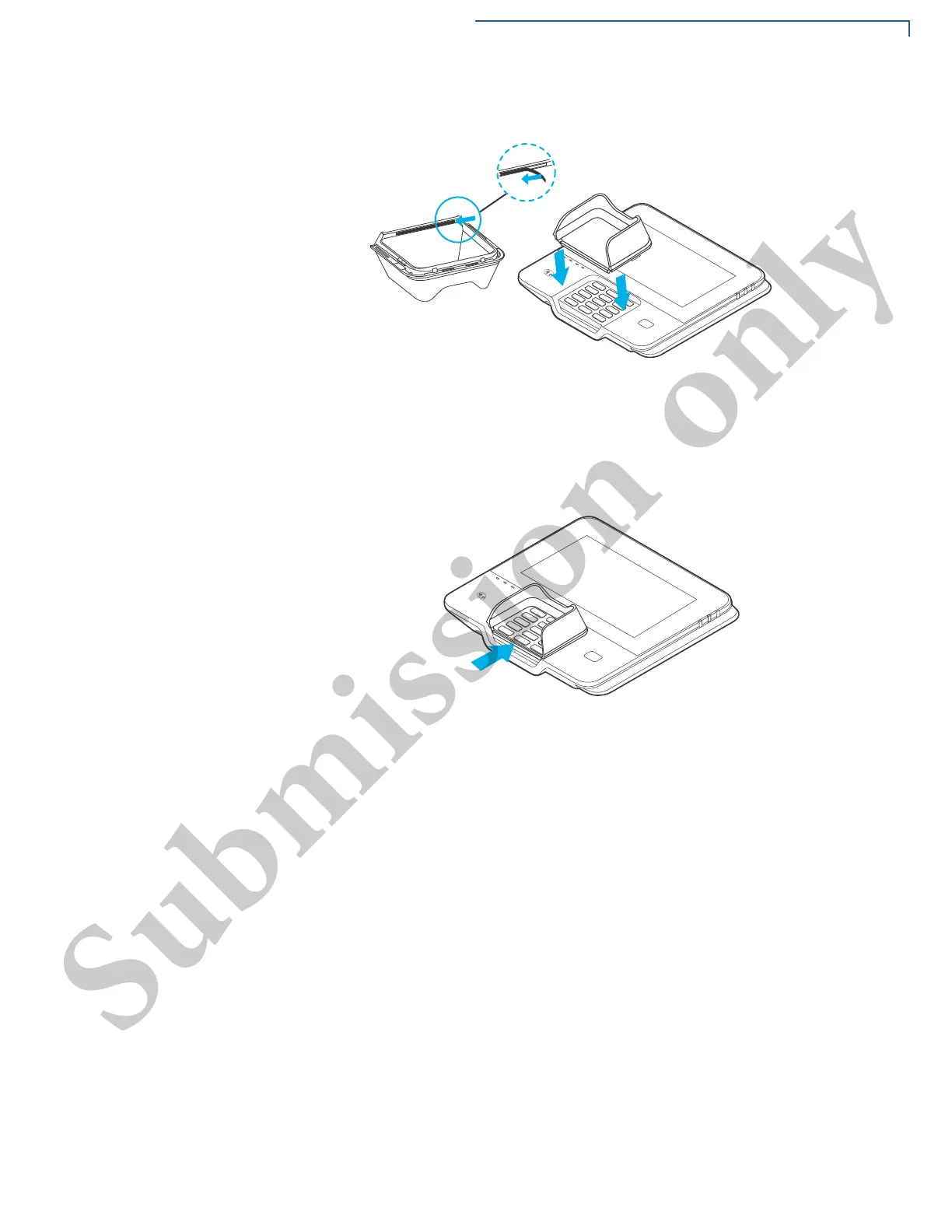
3 Align and place the shield onto the keypad (downwards).
Figure 14 Installing the Privacy Shield
4 Press the adhesive bonding of the shield on the downside of the keypad. Hold
it for a few seconds so that the shield is placed firmly.
Figure 15 Privacy Shield attached to Device
Stand
A mounting device that serves as the device’s docking station and adds support
during customer PIN-entry. The stand can be positioned on a countertop and can
be adjusted during transactions for privacy.



 To Next Page