SETUP
Micro SD (TF) Card
M425 I
NSTALLATION GUIDE 23
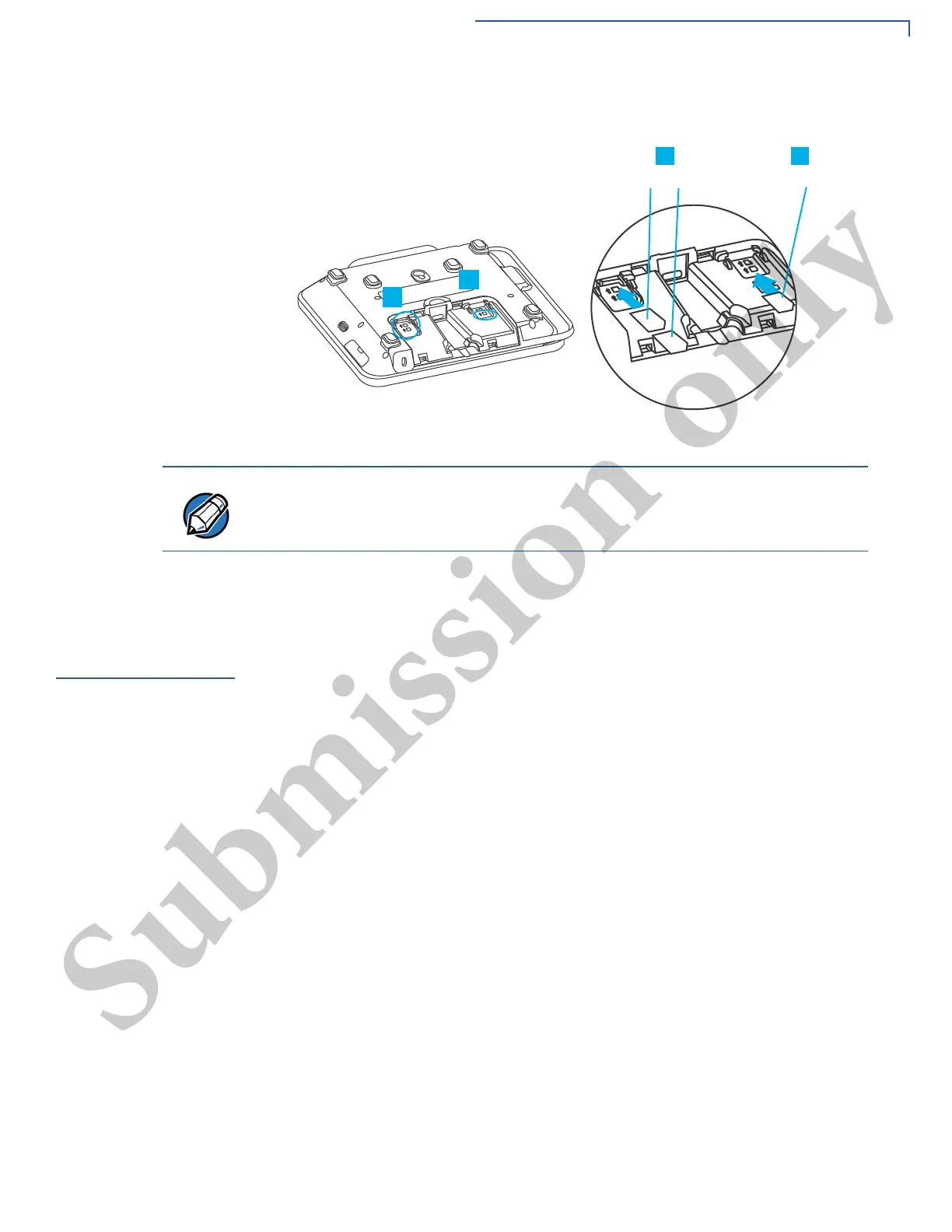
Figure 7 MSAM Insertion
To replace SAM card, gently slide out the old SAM card before inserting a new
one.
Micro SD (TF)
Card
You may need to install one Micro SD card.
Installing Micro SD
Card
To install a Micro SD card:
1 Power off the device.
2 Place the device face down on a soft and clean surface.
3 Remove the back cover of the unit.
4 Insert the SD card. Carefully slide the card into the slot until fully inserted. The
correct orientation of the SD card is as indicated in the Figure 8.
5 Close the back cover.
Position the card’s gold contacts facing downward towards the user. The card
slot in the device has a set of contacts. The MSAM card has a notch on one
corner to ensure that it fits into the connector base in only one way.



 To Next Page