SETUP
Magnetic Card Reader
M425 I
NSTALLATION GUIDE 27
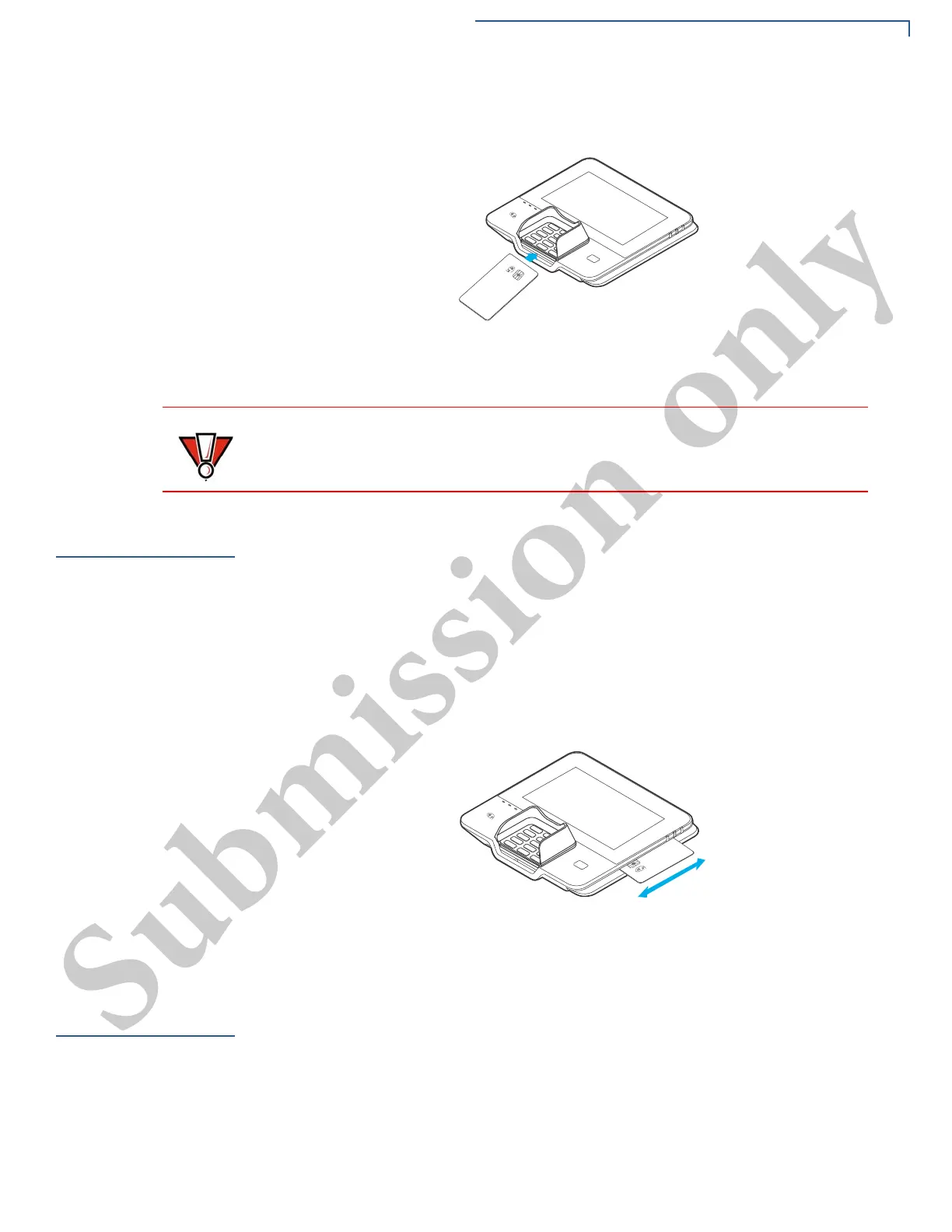
2 Insert the card into the smart card reader slot in a smooth, continuous motion
until it sets firmly.
Figure 10 Smart Card Reader
3 Remove the card only when the display indicates the transaction is complete.
Magnetic Card
Reader
The device has a magnetic card reader that uses a triple-track stripe reader. This
gives the unit greater reliability over a wide range of swipe speeds and operating
environments.
Using the MSR
(Credit/Debit Card
Transaction)
To use the MSR (credit/debit card transaction):
1 MSR indicator lights will flash when ready to accept MSR transactions.
2 Position a magnetic card with the stripe to face downward, as shown in Figure
11.
3 Swipe the card through the magnetic card reader.
Figure 11 Using the Magnetic Card Reader
Contactless
Smart Card
Transaction
The device supports contactless transactions through an integrated contactless
module. The device only becomes active for contactless smart card transactions
when initialized by an application.
Performing a
Contactless Smart
Card Transaction
To perform a contactless smart card transaction:
1 Gently tap the card onto the payment device or hold the card within 4 cm
against the surface of the device on the left side of the keypad above the
Contactless Reader icon.
Leave the smart card in the card reader until the transaction is completed.
Premature card removal can invalidate a transaction.



 To Next Page