SETUP
Powering the Device
M425 I
NSTALLATION GUIDE 24
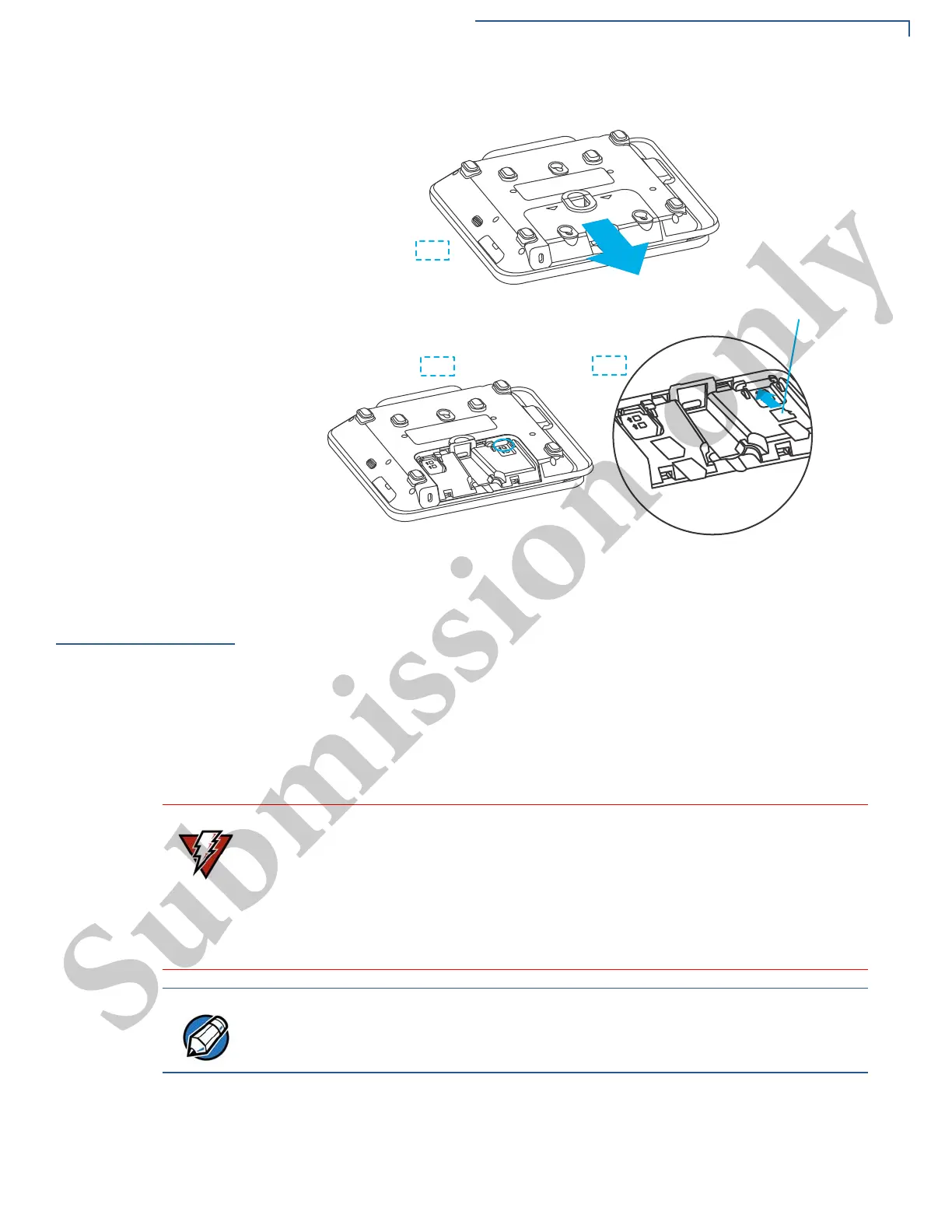
Figure 8 Micro SD Insertion
Powering the
Device
The device can be powered by an external power pack/USB/Ethernet. When you
have finished installing the necessary cards and/or optional devices, you are
ready to power up the device.
The device requires connection to a power outlet with a dedicated circuit or an
uninterruptible power supply (UPS). If other devices are plugged into the same
circuit, the device can potentially experience power fluctuations that might cause
malfunction. The device shuts down automatically once the power source is
removed.
Connecting M425
Device to a Power
Source
To connect M425 device to an external power source:
1 Connect the Multiport cable (Example MSC445-010-00-A) to the Multiport at
the back of the device, Figure 9 (B).
Do not connect the device to the power supply until all peripherals are attached.
Using an incorrectly rated power supply can damage the unit or cause it not to
work properly. See Specifications for detailed power supply specifications.
Do not plug the power pack into an outdoor outlet or operate the device outdoors.
Disconnecting power during a transaction can also cause unsaved data files to
be lost.
Verifone recommends installing a power surge protector to protect against
possible damage caused by lightning strikes and electrical surges.



 To Next Page