PERFORMING DOWNLOADS
Direct Operating System Downloads
V
X
810 REFERENCE GUIDE 117
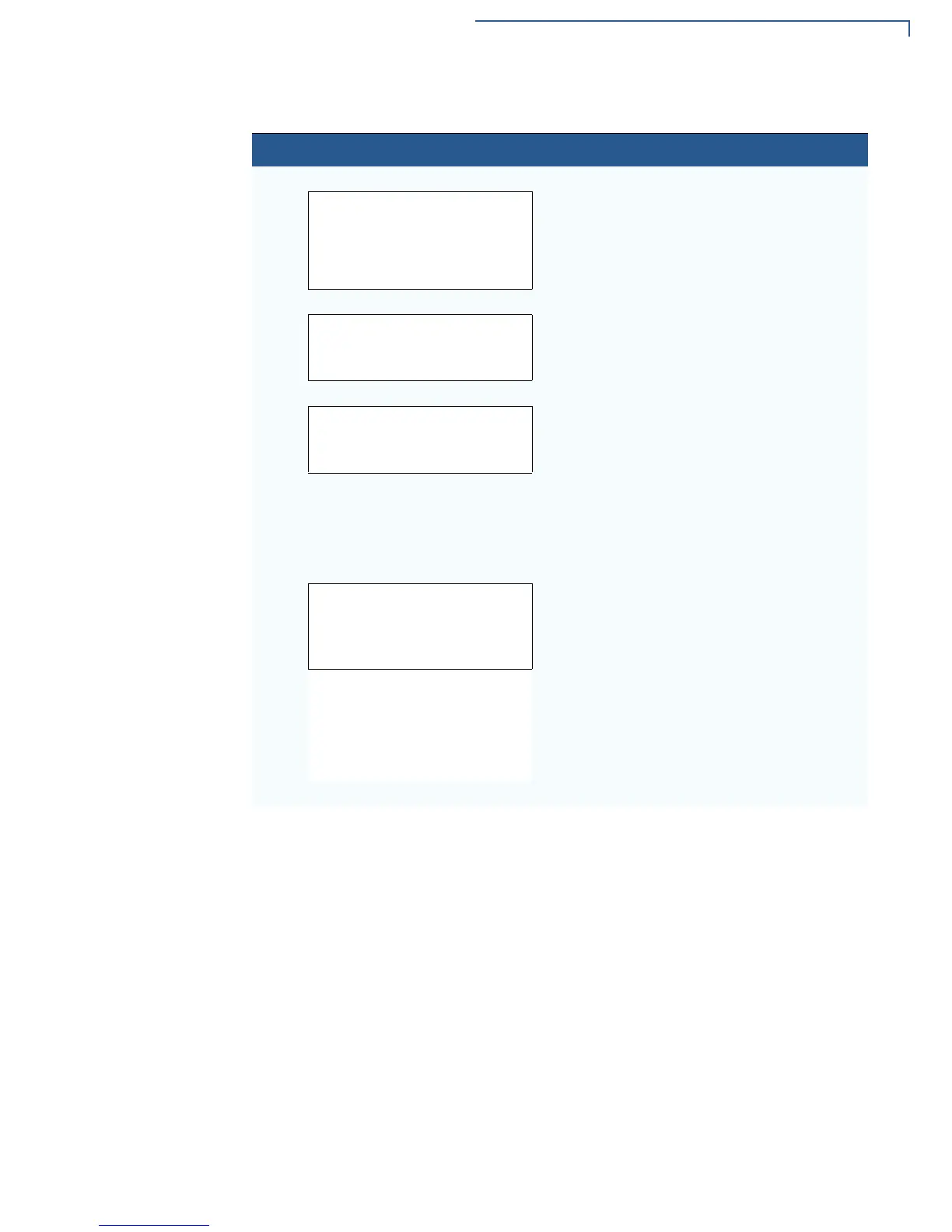
4
SYS MODE DOWNLOAD Gnn
FULL F3
PARTIAL F4
For a full download, select FULL (F3).
For a partial download, select
PARTIAL (F4).
To return to
SYS MODE MENU 1, press the PF1
key.
5
SYS MODE DOWNLOAD Gnn
COM2 F3
Select the download source, COM 2 (F3).
6
SYS MODE DOWNLOAD Gnn
UNIT RECEIVE MODE
WAITING FOR DOWNLOAD
The device is ready to receive a download
from the selected source.
Initiate the download by executing the proper
commands in the download tool running on
the host computer (when the receiving device
is ready to receive the direct OS download).
SYS MODE DOWNLOAD Gnn
¹¹¹_ _ _ _ _ _ _
DOWNLOADING NOW
During download, a line of asterisks appears
that shows the percentage of completion.
Each asterisk equals approximately 10% of
the download.
When the download is completed, the device
will restart.
You can cancel a download in progress by
pressing
CANCEL. This will also restart the
device.
Table 19 Direct Operating System Download Procedure
Step Display Action



 To Next Page