SETUP
Using the Primary Smart Card Reader
30 V
X
810 REFERENCE GUIDE
Using the
Primary Smart
Card Reader
The smart card transaction procedure can vary depending on the application.
Verify the proper procedure with your application provider before performing a
smart card transaction.
To conduct a smart card transaction:
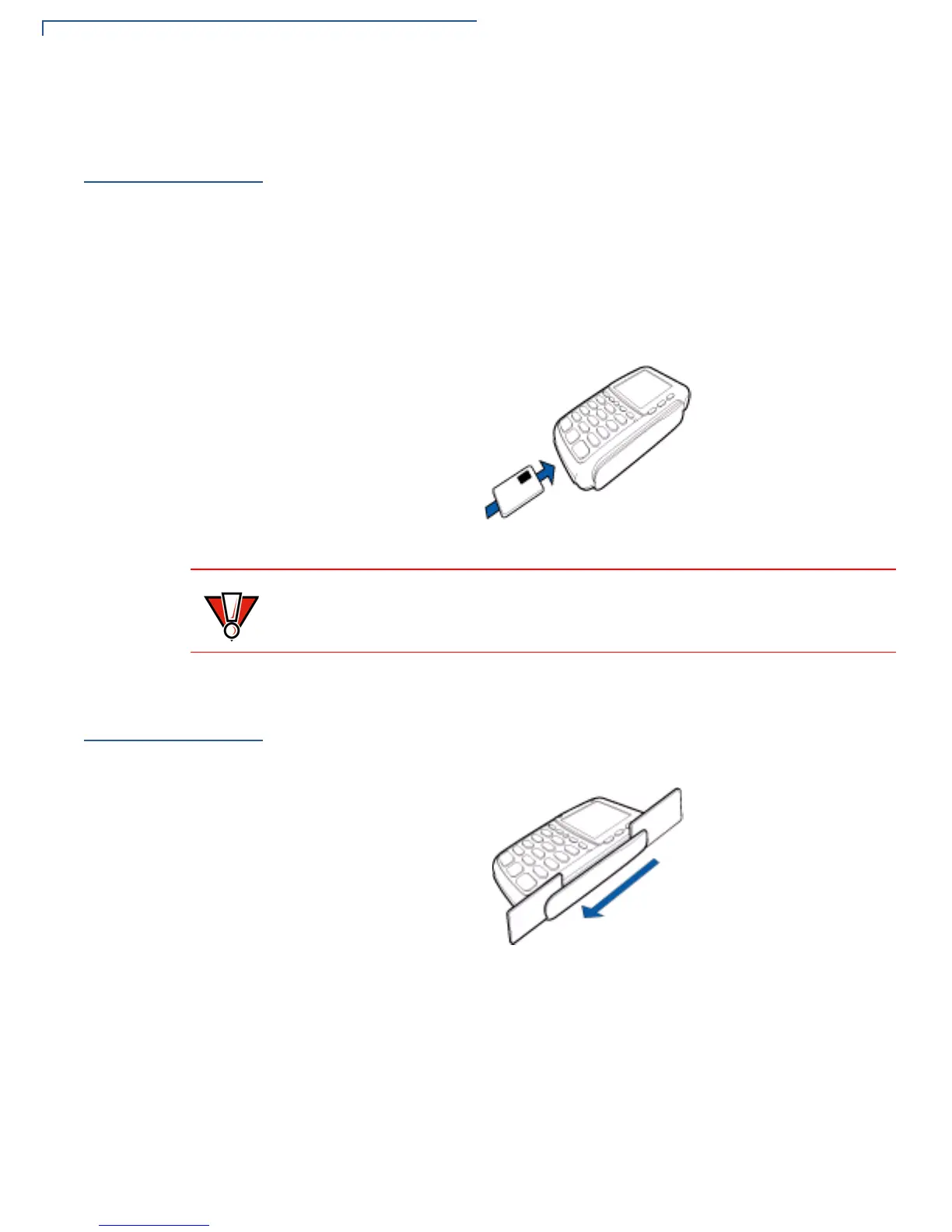
1 Position a smart card with the gold contacts facing upward.
2 Insert it into the smart card reader slot in a smooth, continuous motion until it
seats firmly.
3 Remove the card when the display indicates the transaction is completed.
Figure 14 Smart Card Reader Use
Using the
Magnetic Stripe
Card Reader
To conduct a credit/debit card transaction:
1 Position a magnetic stripe card with the stripe facing the keypad.
2 Swipe it through the magnetic stripe card reader.
Figure 15 Magnetic Stripe Card Reader Use
CAUTION
Leave the smart card in the card reader until the transaction is completed.
Premature removal can void the transaction.



 To Next Page