SETUP
Installing/Replacing MSAM Cards
V
X
810 REFERENCE GUIDE 25
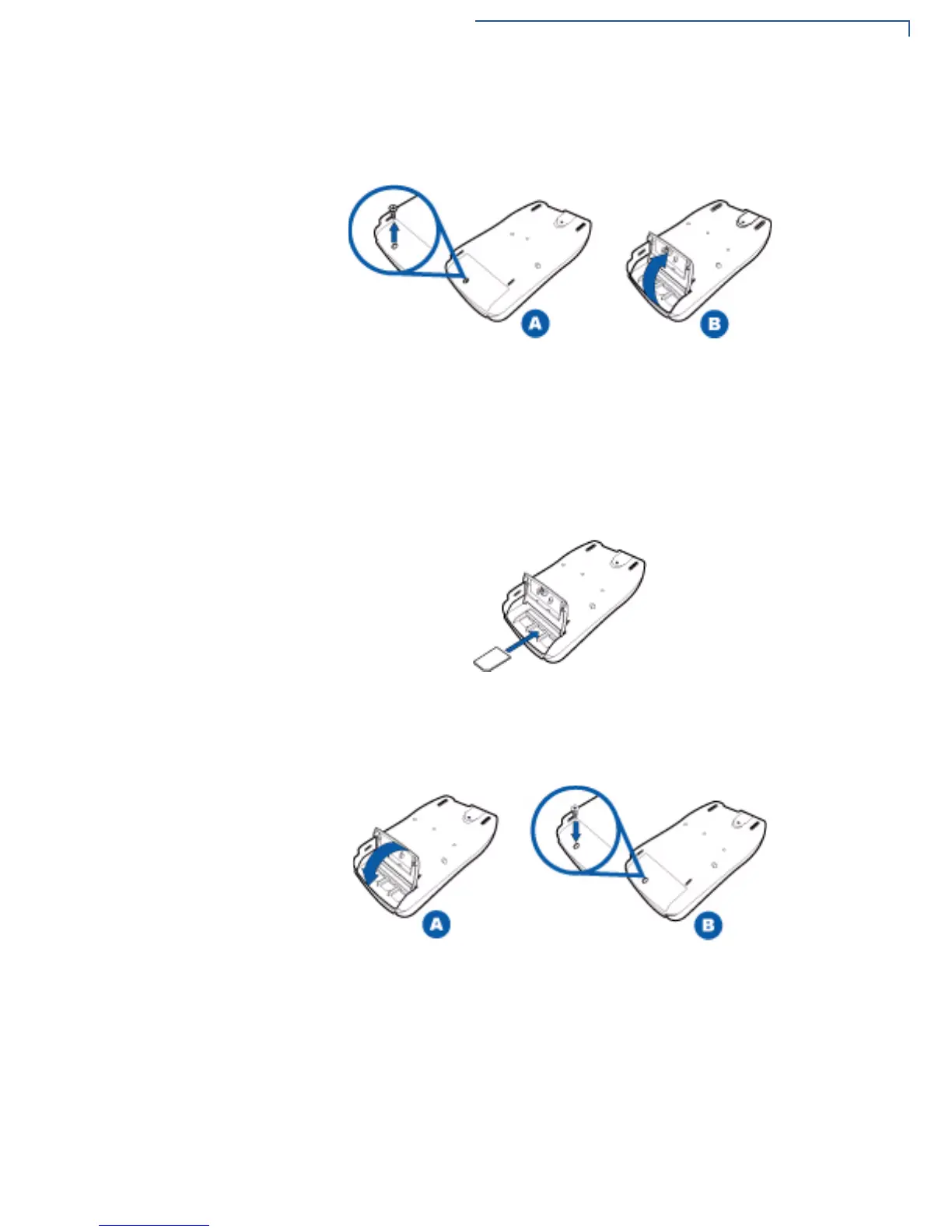
3 Remove the locking screw from the MSAM card compartment door, and then
open the MSAM card compartment door.
Figure 4 Removing the MSAM Compartment Door
4 Remove any previously installed MSAM card by sliding the card out.
5 Install an MSAM card by sliding it into the numbered slots. The MSAM card
has a notch on one corner to ensure correct positioning of the MSAM card
when inserted. The correct card position is also indicated on the MSAM card
slot.
Figure 5 MSAM Insertion
6 Replace the MSAM compartment door and reinstall the locking screws.
Figure 6 Replacing the MSAM Compartment



 To Next Page