117
/ CONFIGURING
ADVANCED SETTINGS
verizon.com/business/products/fios-internet | ©2020 Verizon. All Rights Reserved
3. In the DescriptionDescription field, enter a name for the network object.
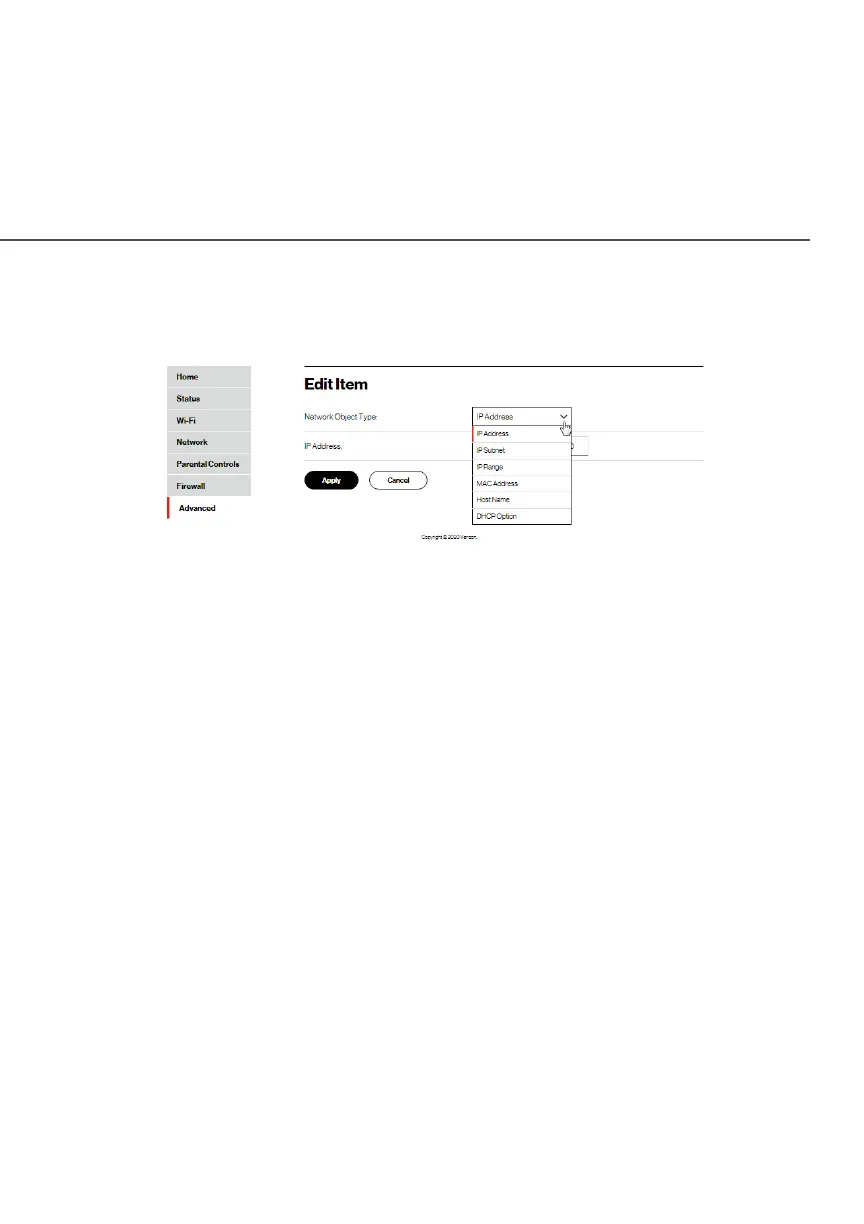
4. Click AddAdd. The Edit ItemEdit Item page displays.
5. Select the type of network object as IP address, IP subnet, IP
range, MAC address, host name, or DHCP option, and click
ApplyApply to save changes.
6. Repeat the above steps to create additional network objects.
7. When complete, click ApplyApply to save changes.
8.2b/ UNIVERSAL PLUG AND PLAY
You can use Universal Plug and Play (UPnP) to support new devices
without configuring or rebooting your Fios Router.
In addition, you can enable the automatic cleanup of invalid rules.
When enabled, this functionality verifies the validity of all UPnP
services and rules every five minutes. Old and unused UPnP defined
services are removed, unless a user-defined rule depends on it.




















 To Next Page