NETWORK SETTINGS
UPnP services are not deleted when disconnecting a computer
without proper shutdown of the UPnP applications, such as
messenger. Services may often not be deleted and eventually this
leads to the exhaustion of rules and services. No new services can
be defined. The cleanup feature locates the invalid services and
removes them, preventing services exhaustion.
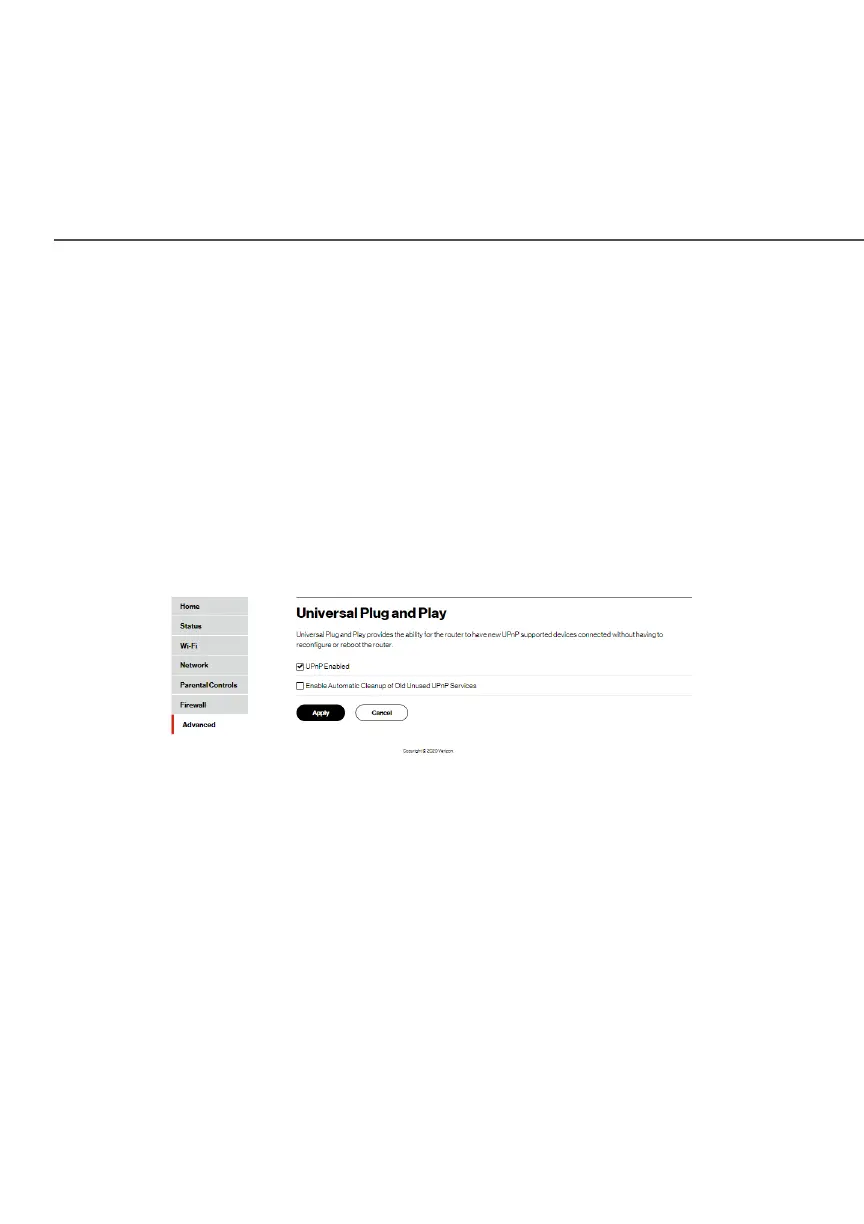
To access this setting:
1. Select Universal Plug and PlayUniversal Plug and Play (UPnP) in the Network Network
SettingsSettings section.
2. To enable UPnP and allow UPnP services to be defined on
any network hosts, select the UPnP EnabledUPnP Enabled check box.
3. To enable automatic cleanup of invalid rules, select Enable Enable
Automatic Cleanup of Old Unused UPnP ServicesAutomatic Cleanup of Old Unused UPnP Services check
box.
4. Click ApplyApply to save changes.




















 To Next Page