119
/ CONFIGURING
ADVANCED SETTINGS
verizon.com/business/products/fios-internet | ©2020 Verizon. All Rights Reserved
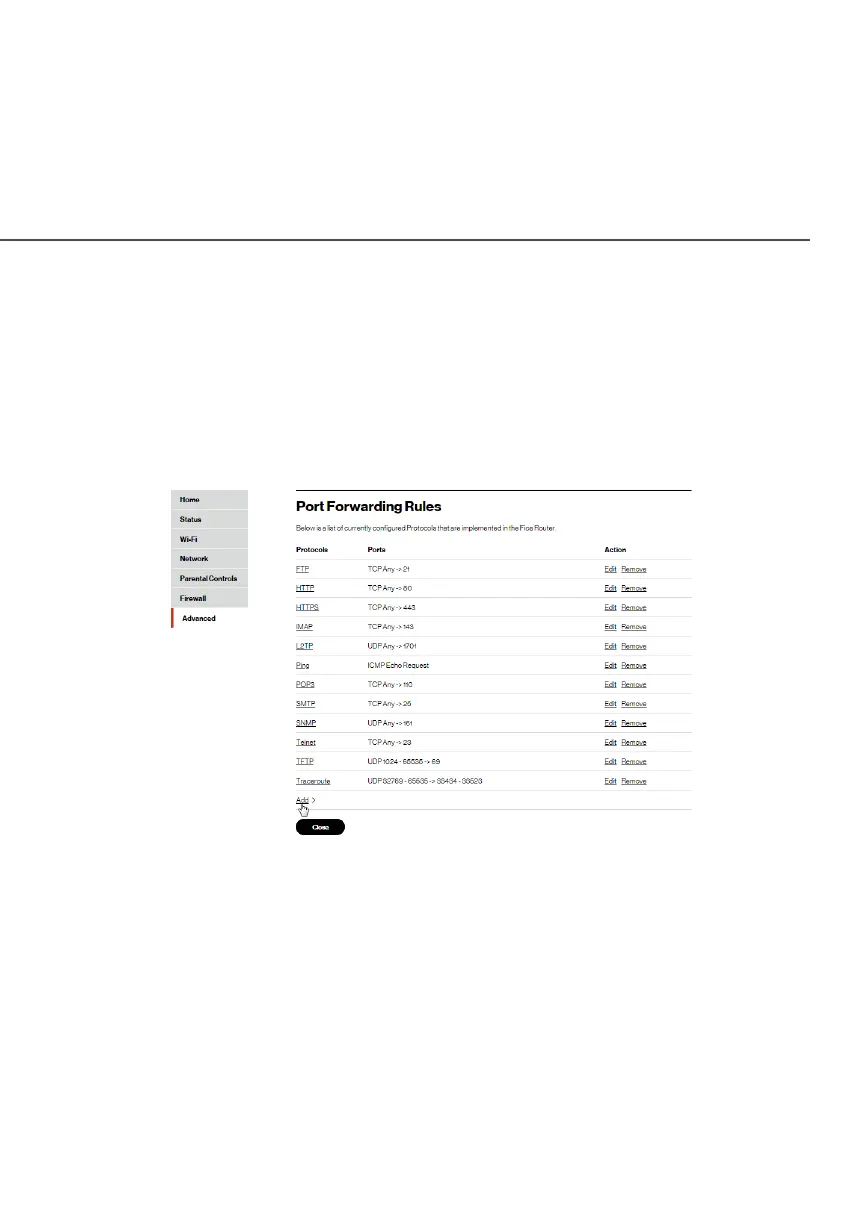
8.2c/ PORT FORWARDING RULES
You can view, modify, and delete port forwarding rules.
To access the rules:
1. Select Port Forwarding RulesPort Forwarding Rules in the Network SettingsNetwork Settings
section.
2. To edit a protocol rule, click the EditEdit icon in the Action
column. The Edit ServiceEdit Service page displays.




















 To Next Page