NETWORK SETTINGS
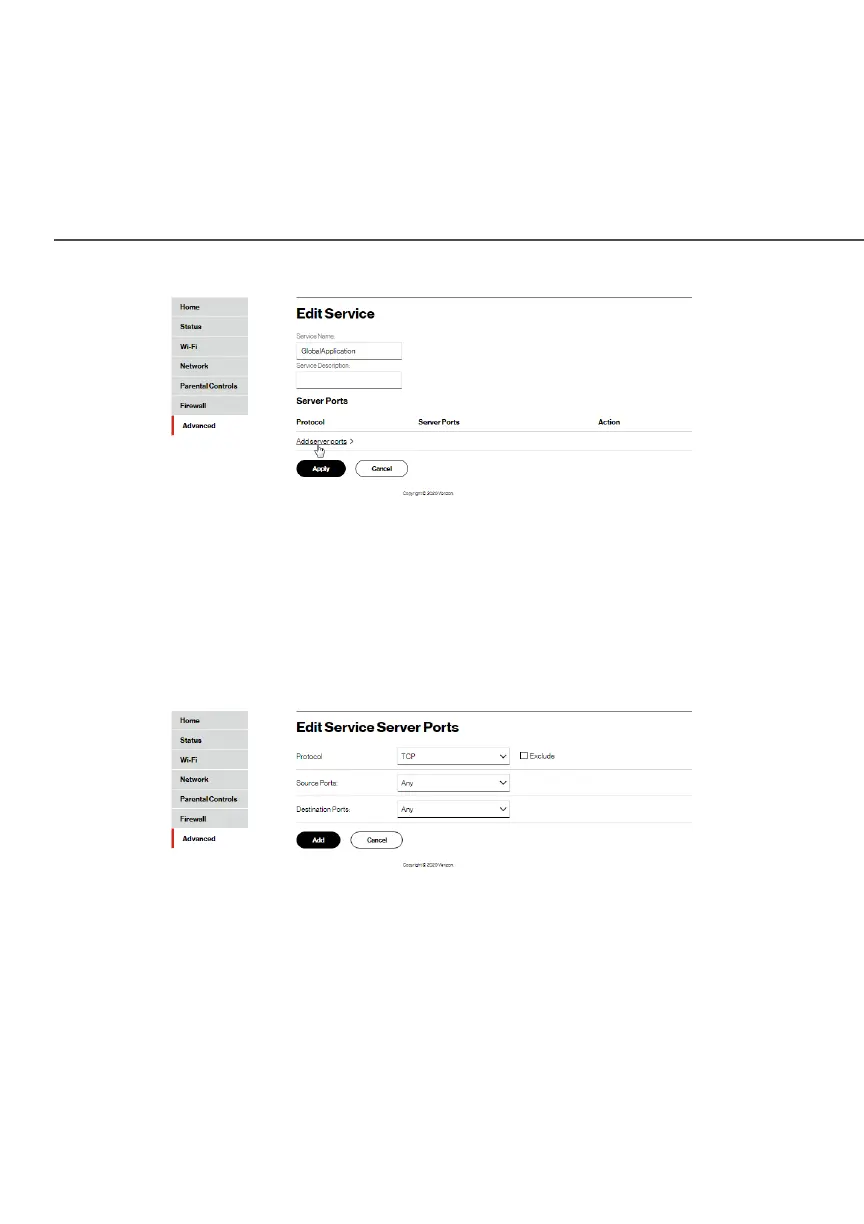
3. Modify the Service NameService Name and Service DescriptionService Description, as
needed.
4. To add server ports, click Add server portsAdd server ports.
5. To modify the current protocol, click the EditEdit icon in the
Action column. The Edit Service Server PortsEdit Service Server Ports page displays.
6. Enter the Protocol, Source PortsProtocol, Source Ports and Destination PortsDestination Ports, as
needed.
7. Click ApplyApply to save changes.




















 To Next Page