NETWORK SETTINGS
5. To disable the IPv6 service, click on the DisableDisable option in the
Enable IPv6 SupportEnable IPv6 Support field.
6. Click ApplyApply to have changes take eect.
Once configured using valid IPv6 WAN and LAN configurations, you
should not see any errors when you click on the ApplyApply button and
the StatusStatus page on the main menu will reflect the router’s new IPv6
address.
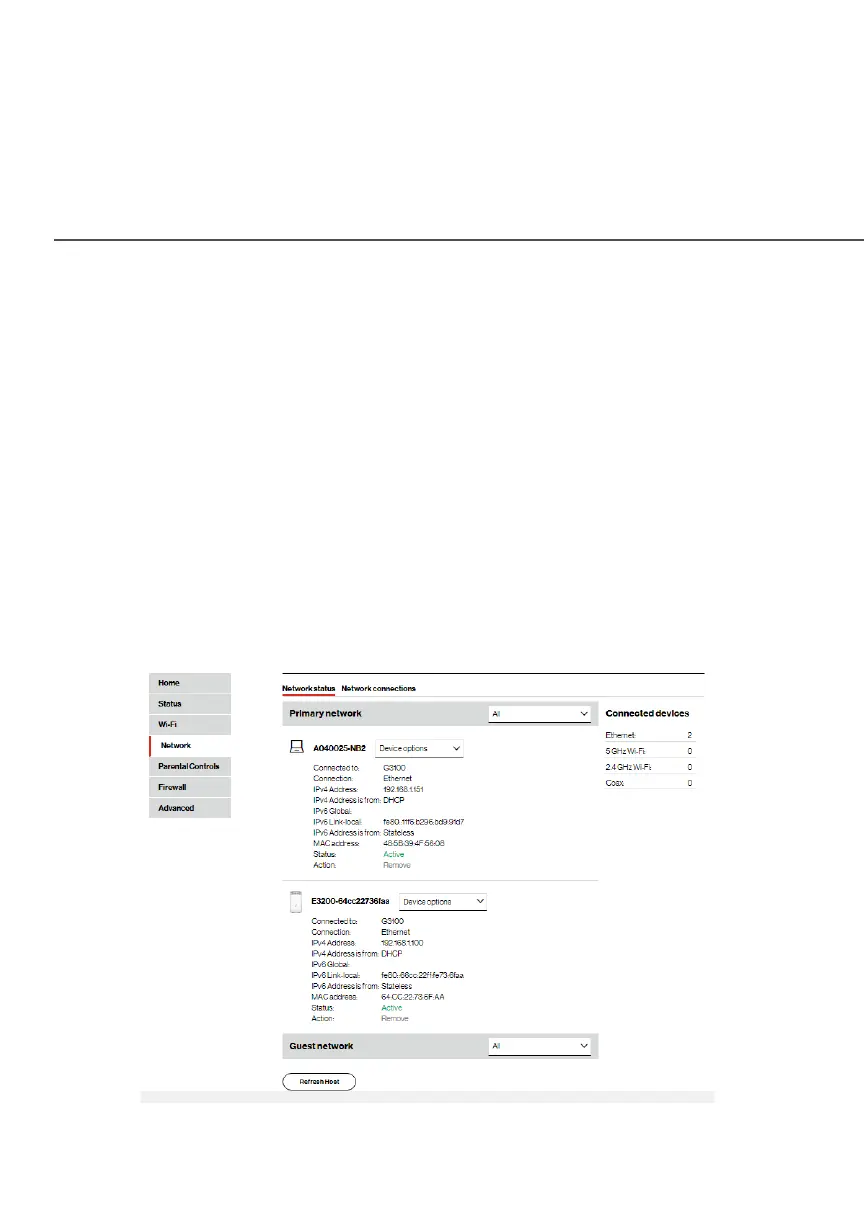
You should also see the IPv6 address for all IPv6 supported
devices on your local network displayed on the Network/Network
Status page.




















 To Next Page