EDIT-Parameters
MeloDICER comes with a simple menu structure to set up some parameters that you won’t have to change very
often. We call these the edit-parameters.
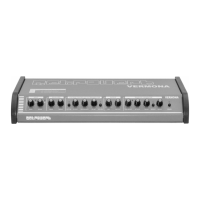
You find a list of the most important edit-parameters printed on the surface of the module.
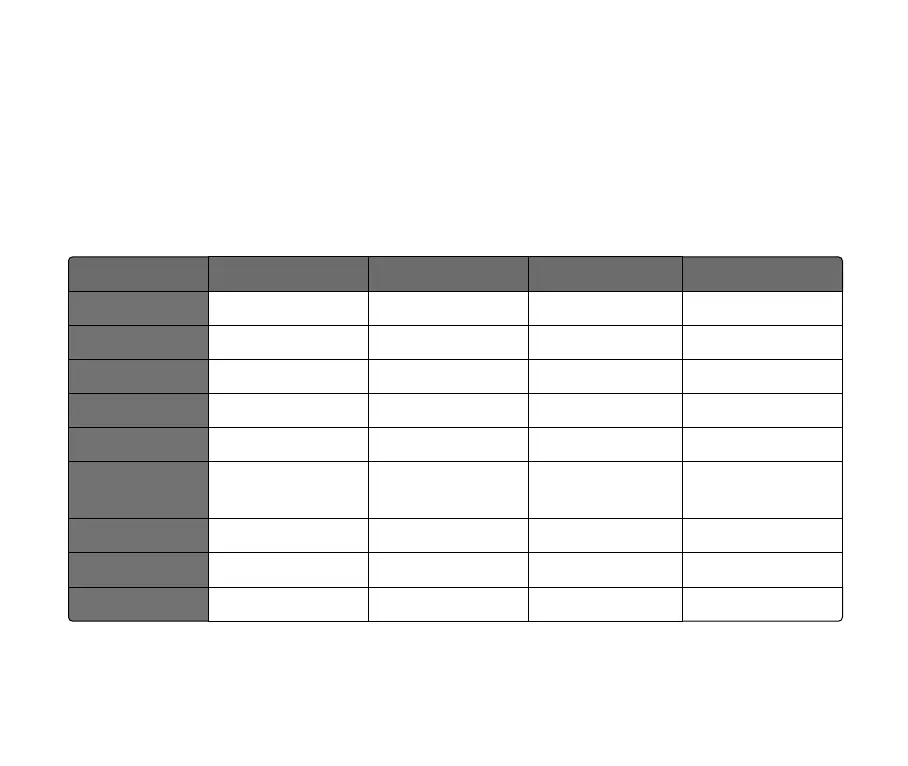
Here is a complete list of all available parameters including the ones that are only importend when the
meloDICER is paired with a MEX3 module ("MEX3" on page 26):
A B C D
1: CV IN 1 ADD SEQ TRANS SEQ LO HI
2: CV IN 2 NOTE VALUE VARIATION LEGATO REST
3: GATE IN 1 TGL DICE R RE-DICE R RE-DICE M RESTART
4: GATE IN 2 TGL DICE R TGL DICE M RE-DICE M MUTE
5: MUTE NO RESTART RESTART INV GATE PWR MUTE
6: NOTE
7: VARIATION
1
1/8
1/2
1/8T
1/4
1/16
1/4T
1/32
8: PPQN 1 4 24 MIDI CLK
9: MIDI IN CH. OUT CH. (NOTES) OUT CH. (CC) SEND MIDI CLOCK
10: MEX3 CTRLS REST2 REST3 STD VELOCITY ACCENT
Table 1: meloDICER and MEX3 paramter list
17



 To Next Page