Using a SIP Phone 5-14
About Wave SIP Phones
Wave Phone User Guide
Using a SIP Phone
This section describes how to use the physical features on your Vertical SIP phone, including:
• Hard Keys
• Navigation Arrow Keys
•Line Keys
• Display Information
Hard Keys
The hard keys on your phone are dedicated to specific call handling features. See the
Introduction section of this guide for a picture and details of your phone.
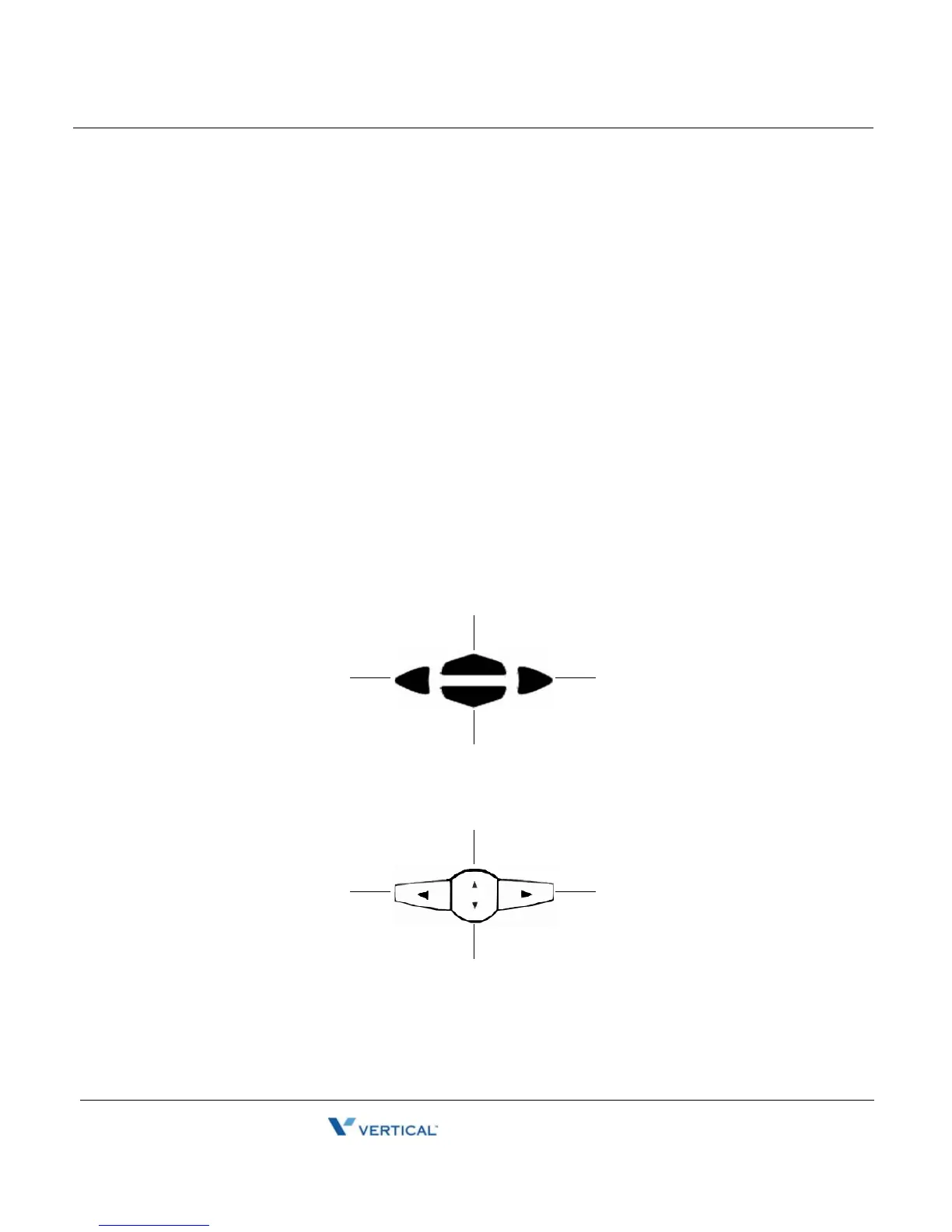
Navigation Arrow Keys (Scroll and Select)
The navigation keys are located below the display, and are used to scroll through display lists
and to select options.
Vertical 9133i, 9143i, 9112i, 480i/CT, and 9480i/CT SIP Phones
Aastra 53i, 55i, and 57i SIP Phones
Scroll DOWN
SELECTSELECT
Scroll UP
Scroll DOWN
SELECTSELECT
Scroll UP



 To Next Page