Vertiv | Liebert LVC | User Manual 28
Application of Fan Speed Controller
4.2.5. Historical Alarm Main Menu Interface
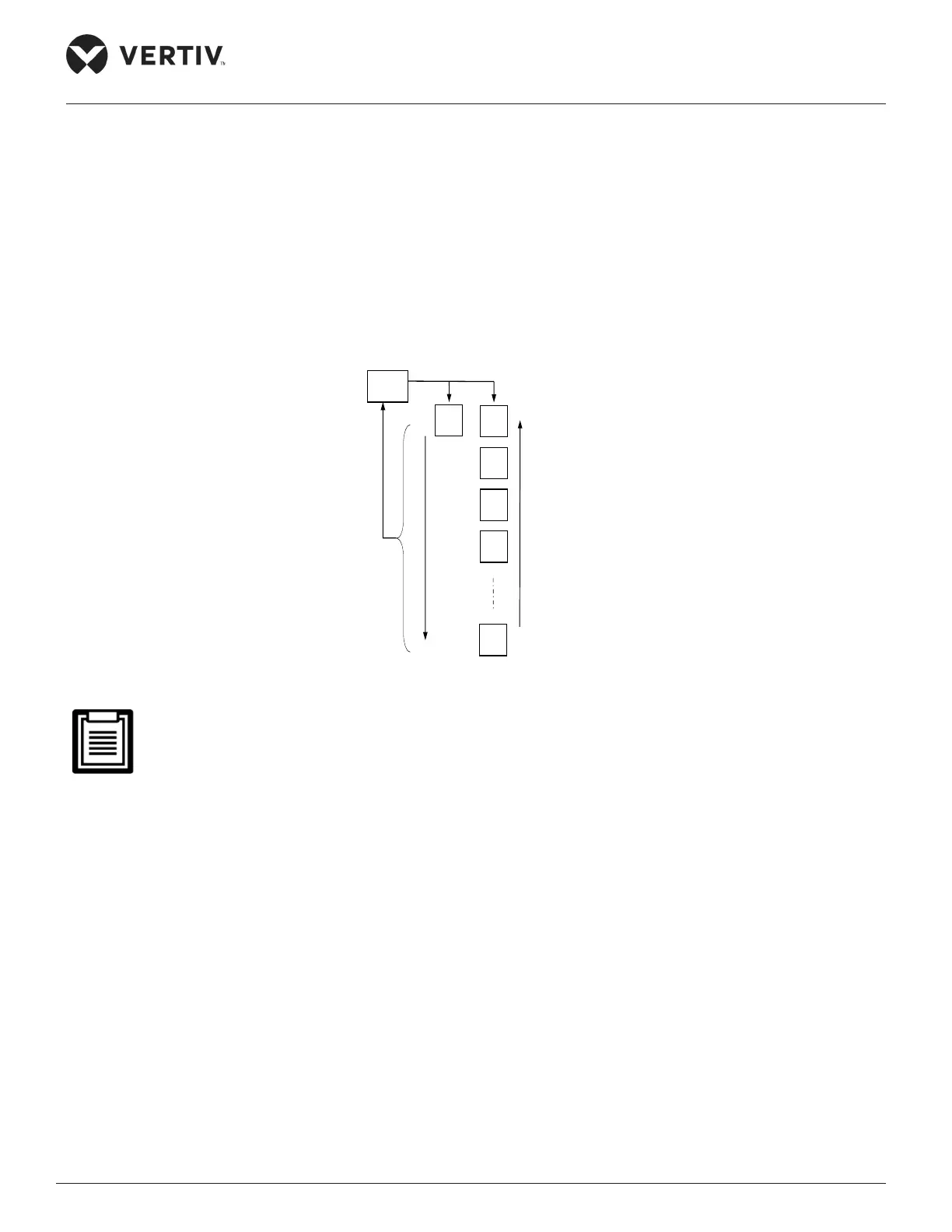
Press the ENT key to enter the historical alarm submenu interface when the current main menu interface
shows ‘H__’ (the symbol of historical main menu). The latest saved 100 historical alarms can be queried.
Press the UP and DOWN keys to scroll through the displayed rst to the last alarm. When multiple alarm
information is produced, the alarm information ID are arranged in chronological order. The latest alarm
appears in the front, no warning shows “---”. The switching operation process and order of the historical main
menu are shown in Figure 4-6.
Historical alarm main menu interface
Figure 4-6 Switching Operation Processes and Orders of the Historical Main Menu
• The alarm is displayed as “alarm number” + “alarm code”.


 To Next Page