S600D
20
2.4
Unpacking
Unpack the UPS and battery packages under the supervision of an authorized service engineer.
Proceed as follows:
1.
Remove the carton.
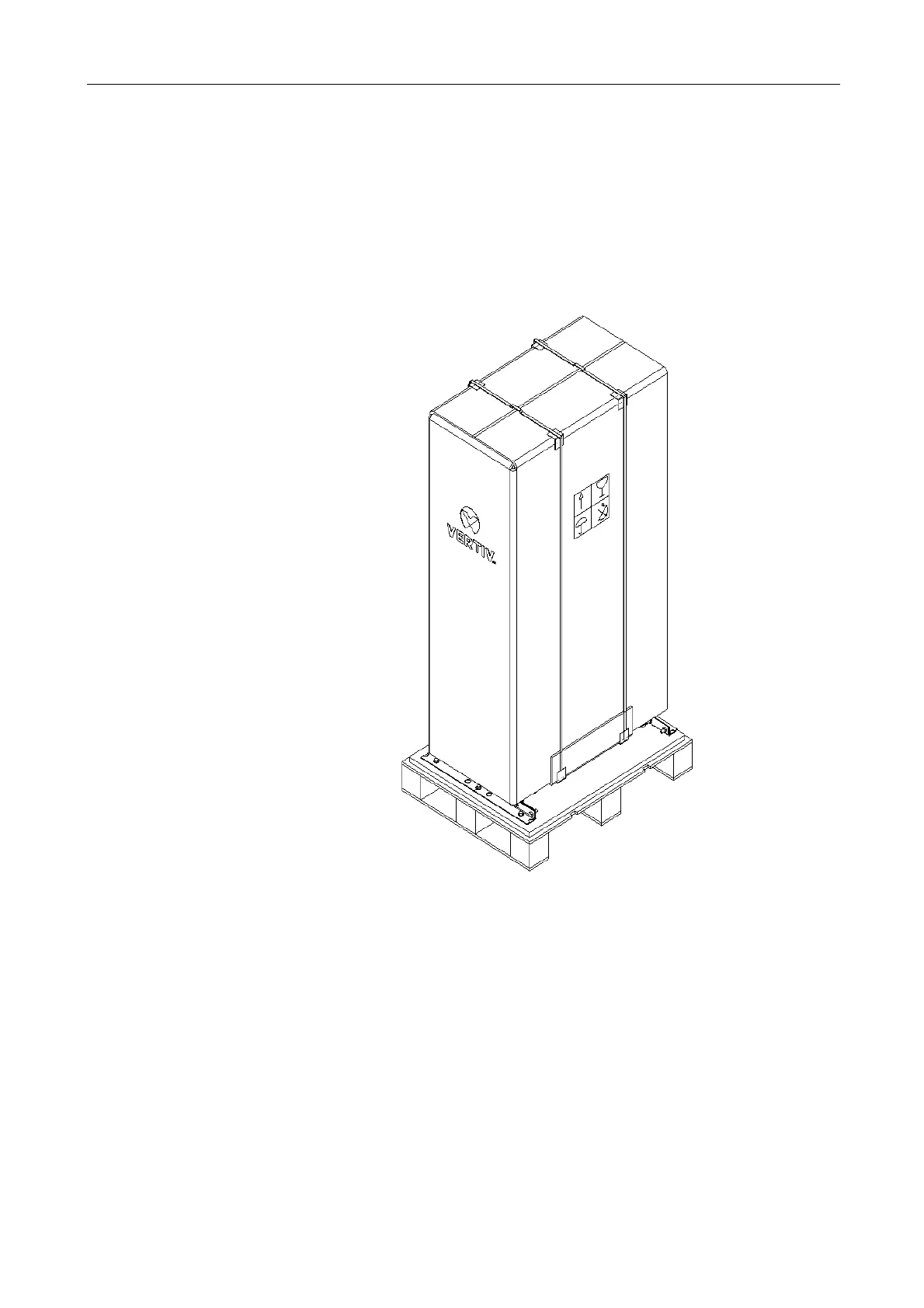
Remove the packing strap and lift the whole carton upwards, as shown in Figure 2-1.
Removing carton from standard UPS
Figure 2-1 Removing cartons
2.
Remove the fixing structural parts from the bottom pallet (see Figure 2-2), do not throw them away. Next, use the
forklift (inserting the forks at the points illustrated in Figure 2-2) to move the cabinet close the installation site.












 To Next Page