40
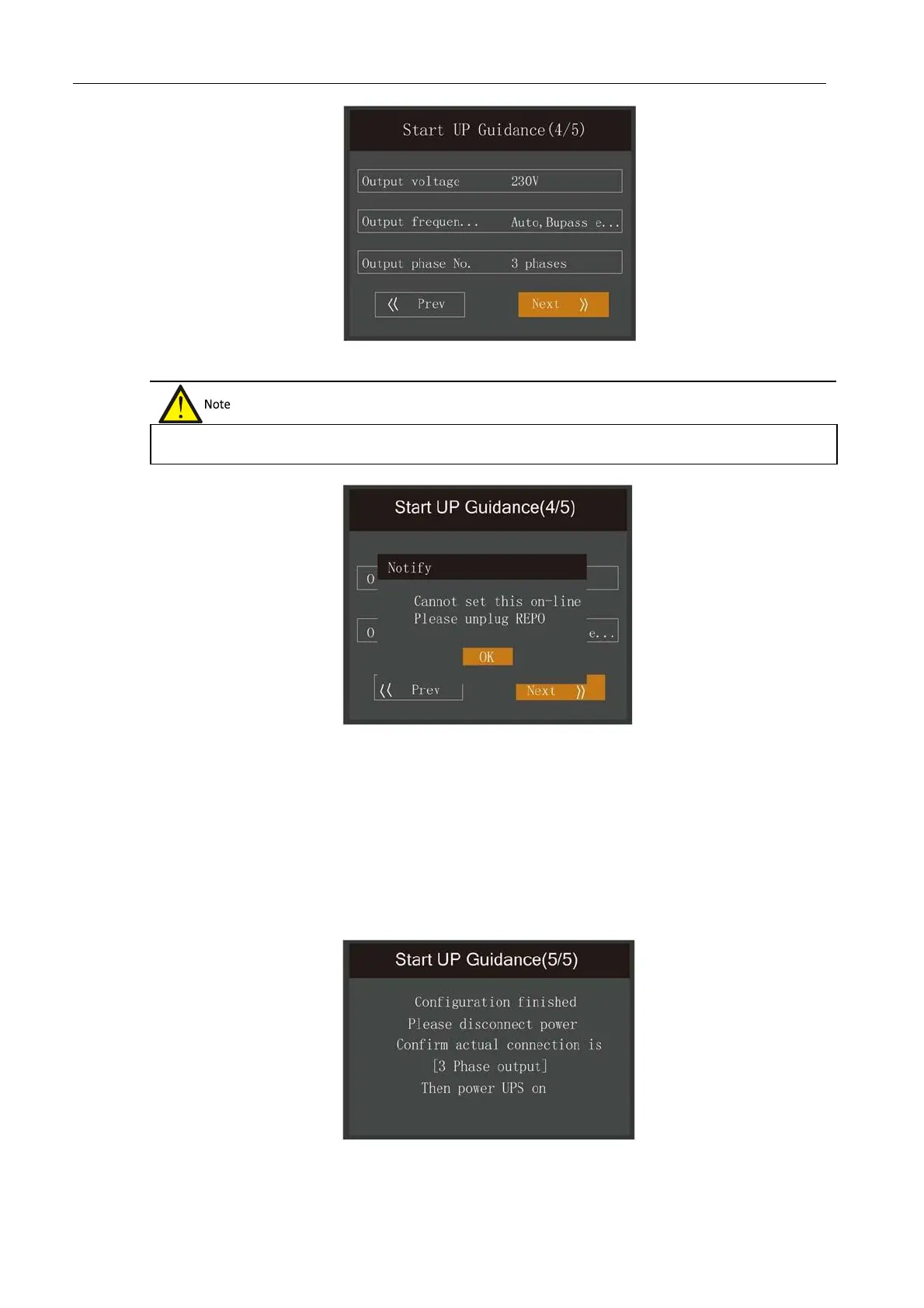
Figure 4-7 Initial Start-up Guide (4)
End page
Figure 4-8 Prompt for removing REPO terminal
The interface shown in Figure 4-9 will appear. This means that the function keys and LCD are invalid; the user
cannot continue with the operation. Please switch the UPS off based on the prompt shown in Figure 4-10, confirm
that the actual wiring method applied to the output terminal is consistent with the method selected during the set-
up procedure, and then switch the UPS on again.
After start-up the user will be able top operate the UPS normally.
Figure 4-9 Initial Start-up Guide (5)
In the case of the output page, the REPO terminal (forcible output shut-down) must be unplugged when carrying out the
settings, otherwise the interface shown in Figure 4-8 will appear.












 To Next Page