65
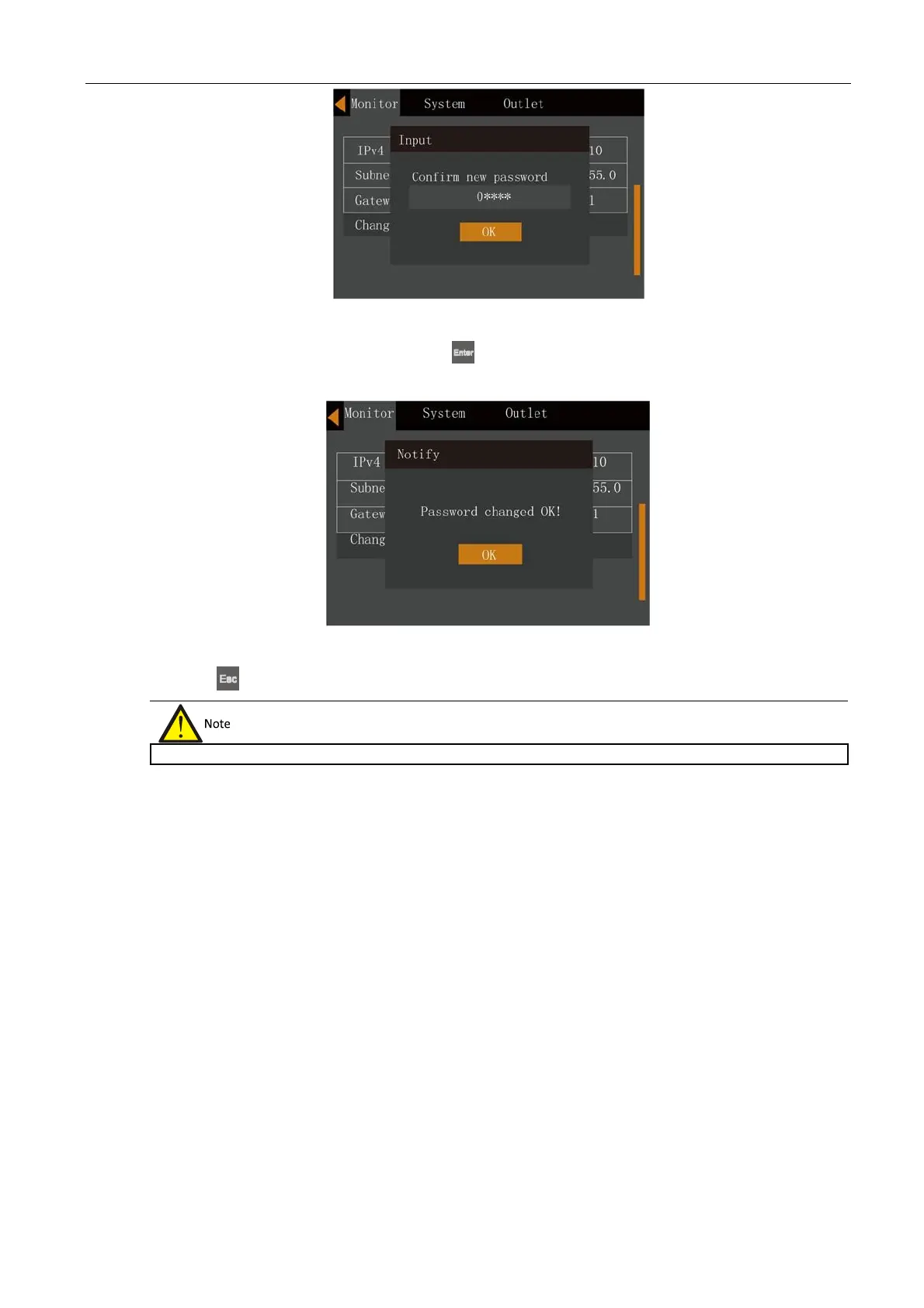
Figure 5-28 Confirming the new password
6.
After the confirming the new password, press the
key; at this point a system prompt appears indicating that
the password has been changed successfully, see Figure 5-29.
Figure 5-29 Password changed successfully
7.
Press the
key several times to return to the main menu screen.












 To Next Page