84
c)
All the LCDS are off, wait five minutes for the internal UPS DC bus capacitors to discharge fully.
2.
Install the internal batteries.
Installing standard UPS internal batteries
a)
Remove the corresponding panels, as shown in Figure 8-1. Do not throw the screws away
b)
Remove the four battery accessory trays and position the batteries on them as shown in Figure 8-2, then connect
8.2 SIC Card
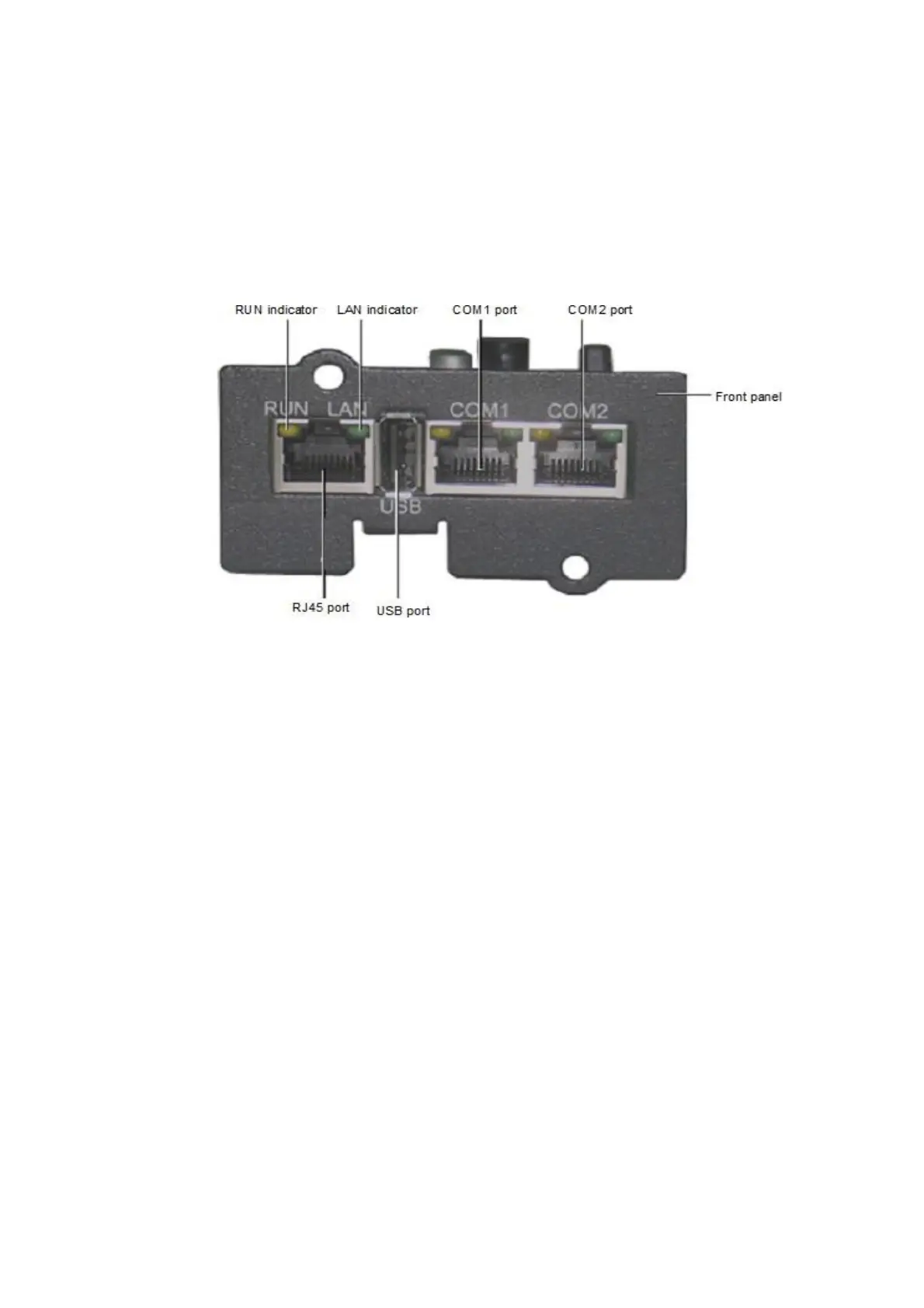
Figure 8-8 shows the appearance of the SIC card.
Figure 8-8 SIC card
The SIC card is a network management card. It may be used to provide network communication capability on
VERTIV designed UPS modules. It can also be connected to the IRM series sensor to provide environment
monitoring functions. When the intelligent device generates an alarm, the SIC card can notify the user by logging
the event, sending captured information, and generating an email message.
Preparation
1.
Prepare the installation tools, including a cross head screwdriver.
2.
Check that all installation materials are present and complete, including an SIC card.












 To Next Page