NetSure
™
Control Unit (NCU)
User Manual, UM1M830BNA
Spec. No: 1M830BNA, 1M830DNA Code: UM1M830BNA
Model No: M830B, M830D Revision M, May 12, 2017
Passwords and Privilege Levels
Users (for local and Web access to the NCU) are set via the Web Interface.
NOTE: Anyone can browse the NCU via the local keypad and display. A password is required to change settings. Web access always
requires a User name and password to be entered to gain access.
Users are configured with a User Name, password, and privilege level.
User Name: Maximum 8 Characters (0-9, a-z, A-Z, _).
Password: Maximum 13 Characters (0-9, a-z, A-Z, _). Passwords must be at least six (6) characters long.
NOTE: Once a password is entered, it remains in effect for a preset time period to allow navigating between menus without re-entering
the password.
Privilege Level: Refer to Table 3. A User has access to his/her privilege level menus, plus all menus of the lesser privilege levels.
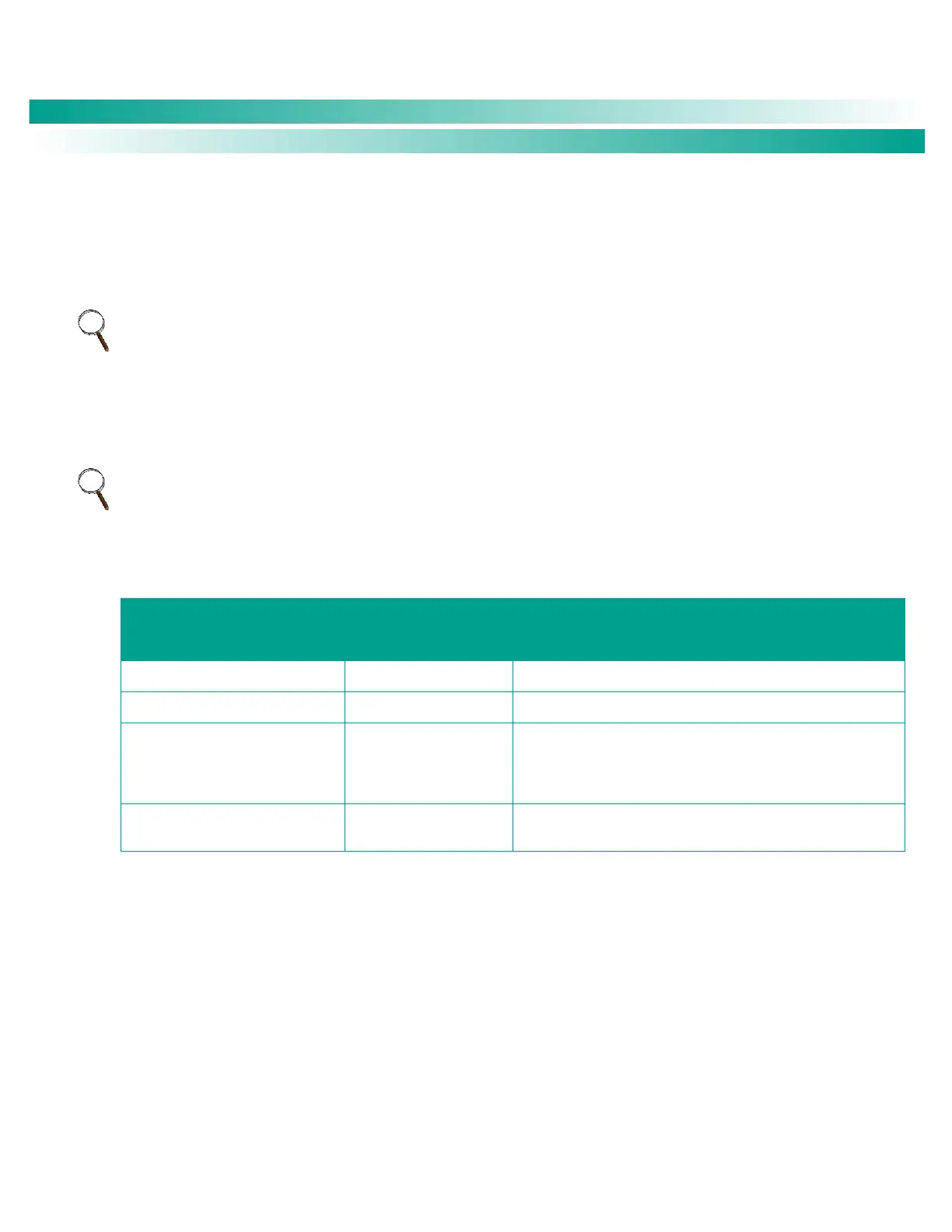
Table 3. User Privilege Levels
Default User Name
and Password
The User can only read (browse) information in the menus.
The User has access to the system "Control" menus.
The User has access to the system "Settings" menus and can
download the configuration package. The User does not have
access to update the OS application and modify, add, or delete
Users.
The User has full access to all menus; including update the OS
application and modify, add, and delete Users.
Multiple Languages Supported
Multiple languages are supported in the Local Interface and Web Interface. Refer to “Language Tab” on page 150.










 To Next Page