Chapter 3 Web Interface of RDU501
RDU501 Intelligent Monitoring Unit User Manual
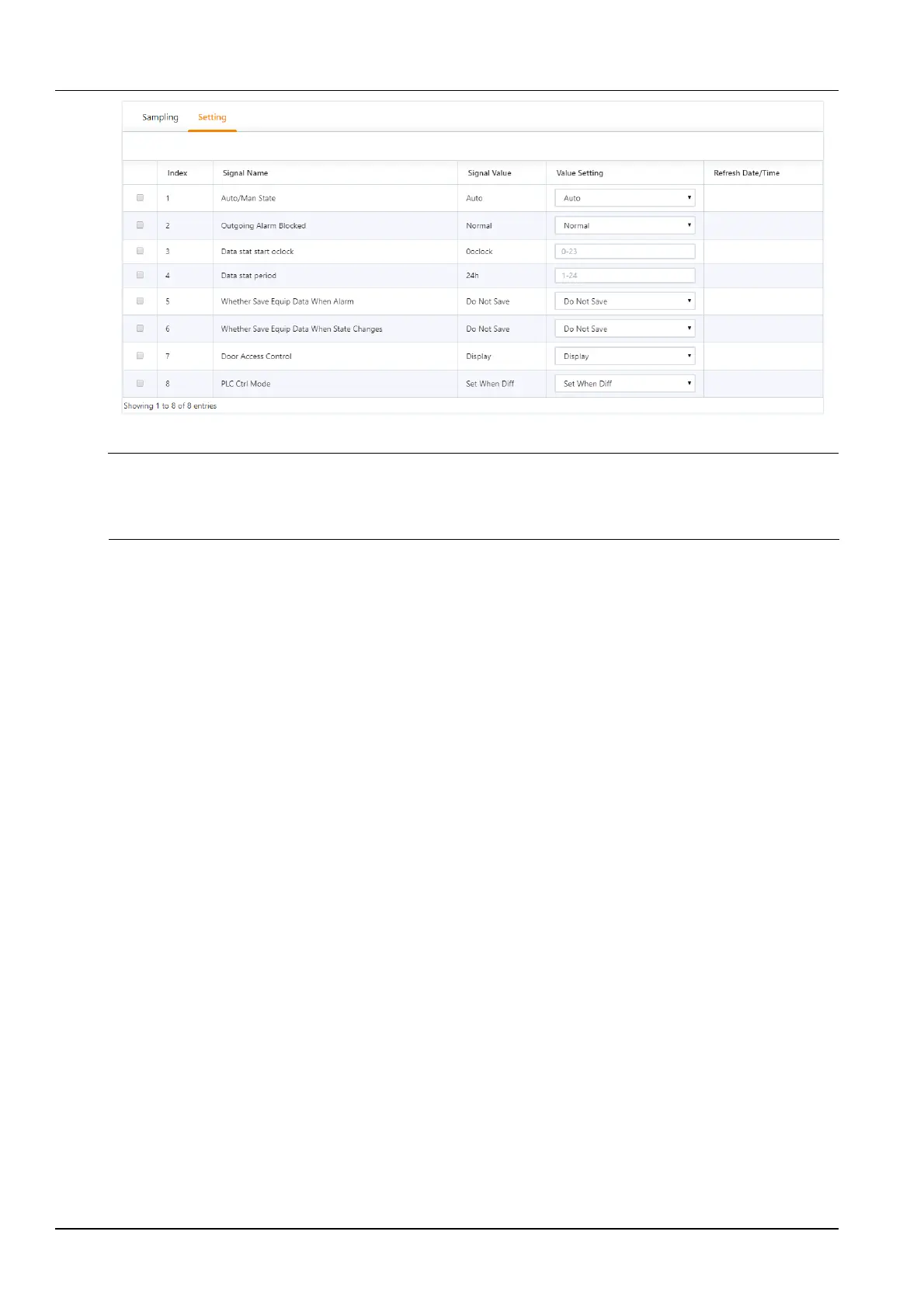
Figure 3-134 Monitoring unit (setting signal)
Note
If the Current alarm block is set to "Yes" in the Setting Signal tab, the current alarm will be blocked. In this case:
1.
Except for the current alarm that is blocked, all others are terminated.
2.
The “Yes” setting of the Current alarm block is automatically released after 24 hours.
Network settings
1.
IP settings
Click the Network Settings submenu under the System Settings menu to bring up the page shown in Figure 3-135.



 To Next Page