Mastertech Kit Components
Page 3-4 Mastertech 3100 Operator’s Manual
KEYPAD
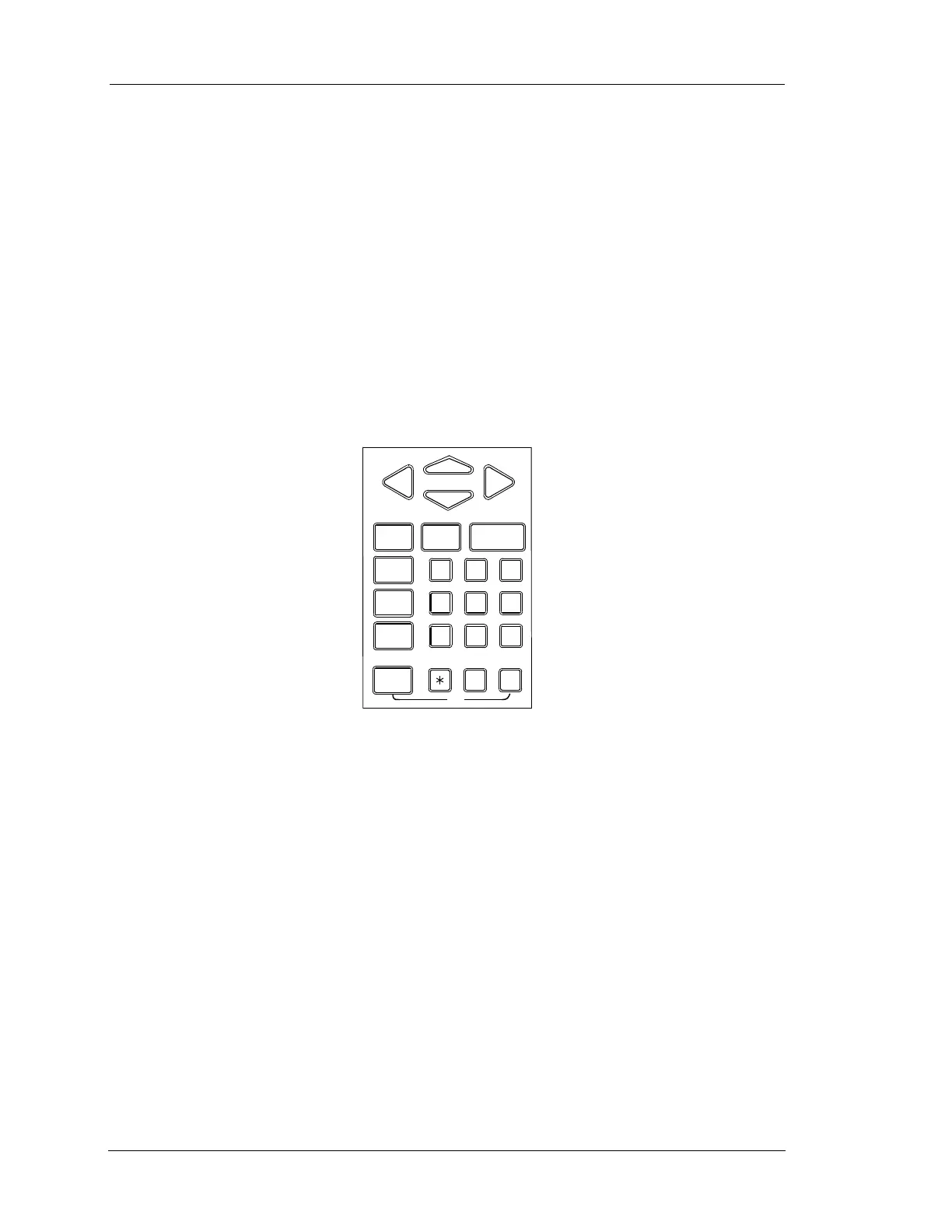
The 27-key keypad allows you to make menu selections or input information. Through the keypad you can
select the data you want to see and choose the display format. While performing some tests you can control
the operation of certain functions through the keypad.
The A and P keys are used to modify other keys. For example, if the instructions say press P x,
press the P key first and hold it down while pressing the x key.
Some keys, such as the numeric (0 - 9) and y and n keys, have different functions depending on
which test mode is in use. The h key displays a list of the active keys and their functions in the current
test mode.
A chart of the keys and their functions is illustrated in Figure 3-3.
HELP
YES NO ENTER
123
4
56
RCV
7
89
SEND
0#
EXIT
F1 F2 F3
F4 F5 F6
F7
F8 F9
F0 ON
OFF
FIGURE 3-3. Mastertech Keypad


 To Next Page