If You Are Having a Problem
Page B-2 Mastertech 3100 Operator’s Manual
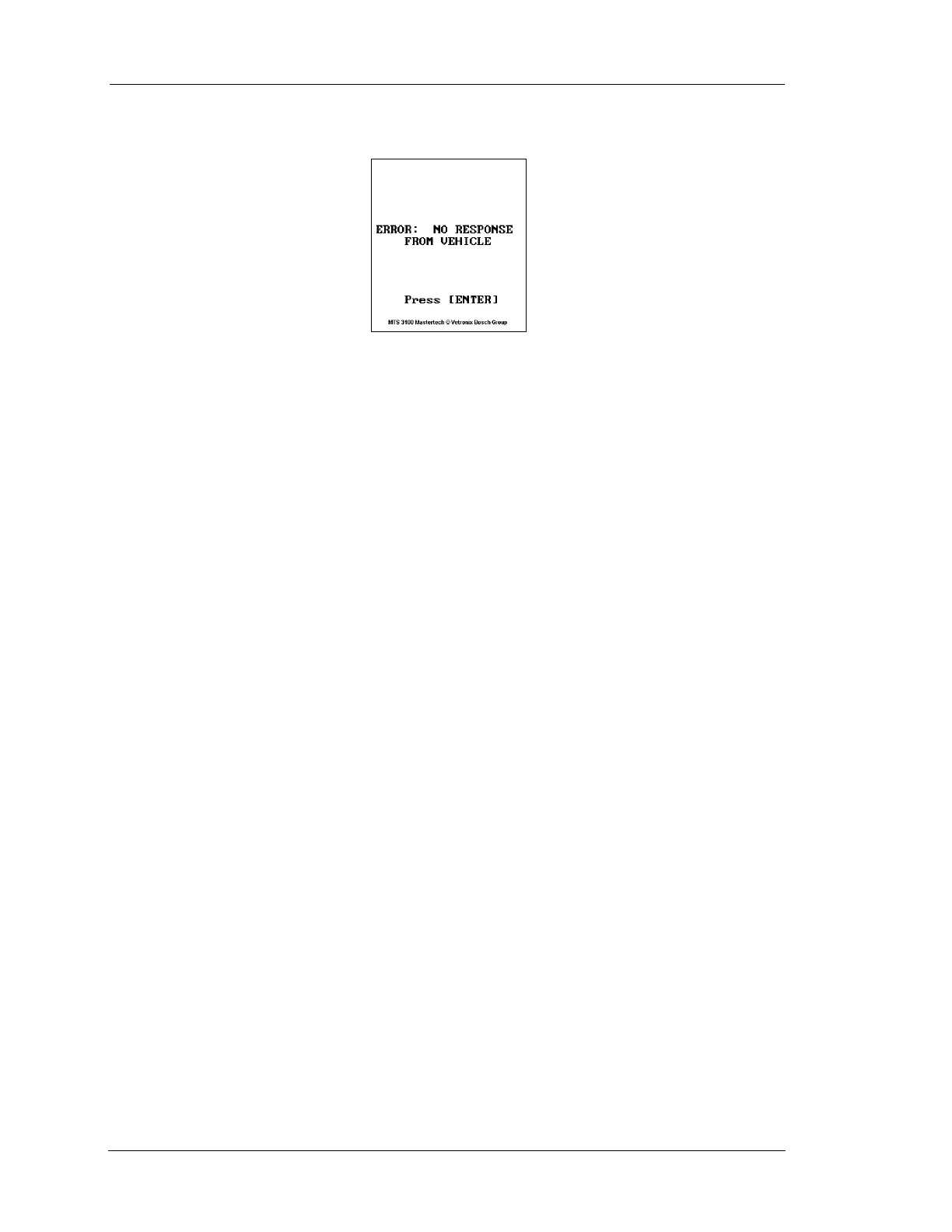
ERROR MESSAGE IS DISPLAYED
Most Likely Cause
• Vehicle ignition switch is turned off.
• Tester not connected to vehicle DLC.
• DLC adapter or cable is malfunctioning.
• Loose connections.
Recommendations
• Make sure vehicle ignition switch is in the ON position.
• Disconnect and reconnect the DLC, making sure the connector is properly connected.
PRINTER CANNOT PRINT BY PRESSING S AND P S
KEYS
Most Likely Cause
• Printer is turned off.
• Printer is out of paper.
• Printer cable connections are loose or cable is open.
• Printer is malfunctioning.
• Printer setup is incorrect.
• Incompatible printer.
Recommendations
• Turn the printer power on.
• Verify that the printer baud rate is the same as the baud rate of the tester.
• Set paper on the printer.
• Make sure the printer cable is connected securely; replace printer cable as needed.
• Run the printer selftest or print to test.


 To Next Page