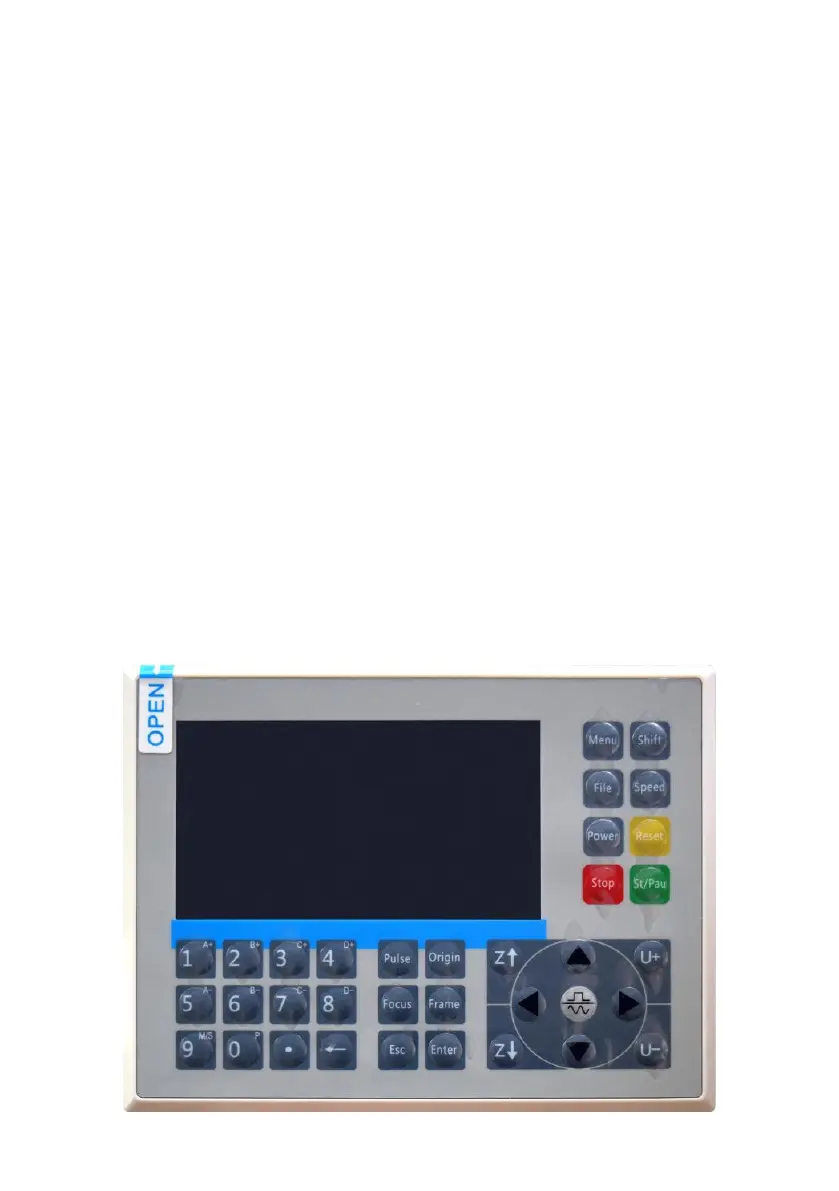
4.CONSOLE DESCRIPTION.
OVERVIEW.
You can control the engraver directly from the built-in control panel, directly
connected to a computer, or via the Internet. For more information on
operating the engraving software, please refer to its separate manual. The
built-in control panel allows the laser to be operated manually, or the
design can be engraved onto flash drives and external hard drives
connected to the USB port on the right side of the cabinet.
For manual operation, the arrow keys can be used to move the laser head
along the X and Y axis guides, and the PULSE button can be used to fire
the laser. Each time the arrow button is pressed, the laser head can be set
to jam within a set distance by tapping MENU and adjusting the
parameters under "Manual Settings+". The laser can be set to emit for a
fixed period of time by pressing MENU and adjusting the parameters under
"Laser Settings+". All buttons and menus should be marked in English. If
not, press MENU and go to the top button in the right column
to change the console's language settings.



 To Next Page