UniOP
48
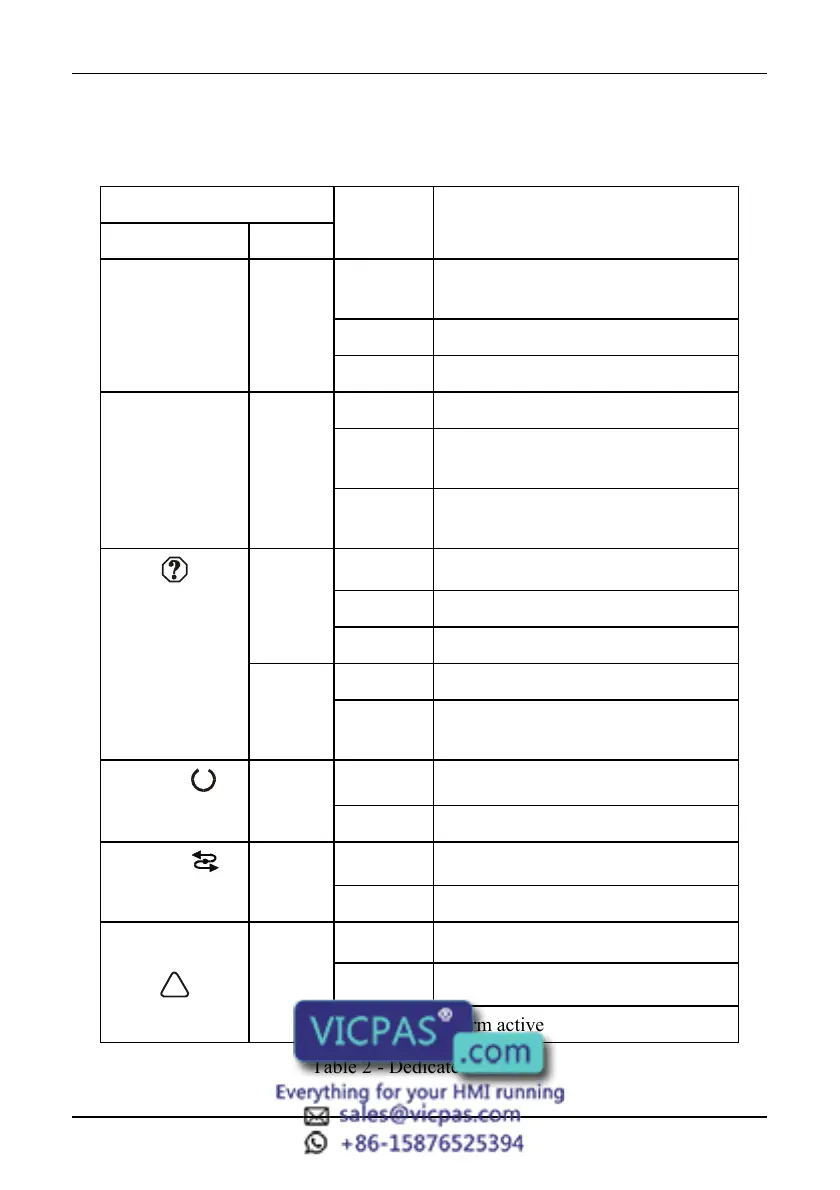
Dedicated LED’s
The table below shows the name and the symbol (when available) of the LED’s
dedicated to special functions which may be available in the UniOP operator panels.
LED
Name/symbol Color Status Meaning
FAULT/FLT red OFF No hardware problem detected;
battery OK
BLINK Battery low
ON Hardware fault
DL green OFF No keys are pressed and no errors
BLINK Communication error (not all
models)
ON While any key is pressed (visual
feedback)
red OFF No hardware problem detected
BLINK Battery low
ON Hardware fault
green OFF No keys are pressed
ON While any key is pressed (visual
feedback)
RUN /
green OFF Hardware fault
ON Unit in operation
COM /
green BLINK Communication error
ON Communication OK
ALARM / red OFF No alarms
BLINK Alarm requires acknowledgment
ON Alarm active
Table 2 - Dedicated LED’s



 To Next Page