Installation Guide
55
Command Summary
The chapter describes the keyboard commands recognized by UniOP panels.
Commands are classified according to the operating modes of the unit.
Note: The standard command assignment is described in this chapter. All the
commands, except those defined for Configuration Mode, can be charged,
deleted and/or extended using the Keyboard Macro Editor facility of the
programming software.
Some models ado not have CLEAR key on the keyboard; the corresponding function
cam be done pressing the keys e at the same time.
Some models are designed to be attached to an external keyboard of type ET-F or
AT-F; the commands describes in this chapter are generally referring to the use of an
external keyboard
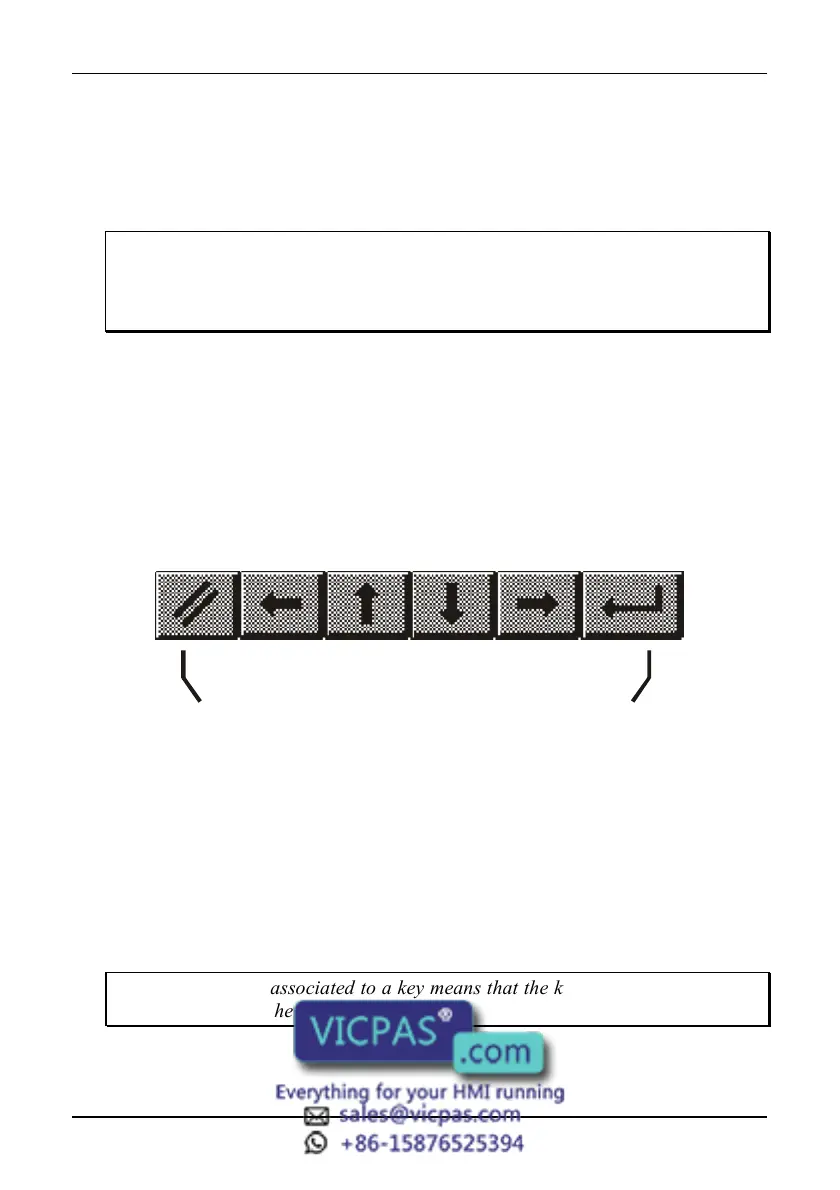
All the UniOP models, have at least 4 arrow keys and the Enter key. Panels with
touch screen will show system defined touch keys on the screen whenever it is
required (Figure 50).
Figure 47 - Default touch keys for the panels with touchscreen
Some of the keys described in this chapter may not be available in each UniOP
model. The functions associated to them may, however, be implemented using the
Keyboard Macro Editor or using an alternative predefined key.
Models without numeric keypad and without touch screen allow numeric data entry
using arrow keys and/or using the Keyboard Macro Editor.
Touch screen panels will show automatically a numeric keypad whenever the data
entry phase is activated.
Note: the text ‘2 s’ associated to a key means that the key has to be held for two
seconds to activate the associated function.



 To Next Page