Installation Guide
45
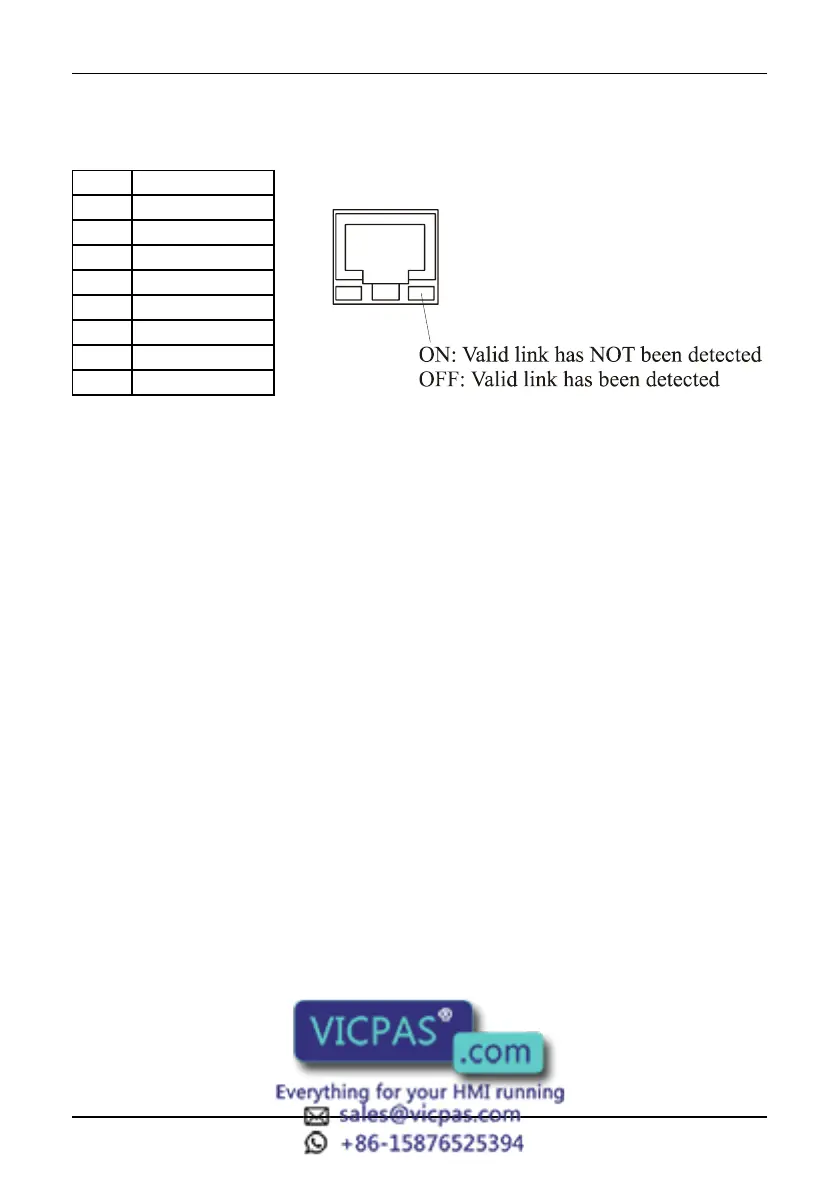
Ethernet Port
Pin Description
1 TX OUT +
2 TX OUT -
3 RX OUT +
4
5
6 RX OUT -
7
8
Models without the PC/Printer Port
Some UniOP models, see Table 1, do not have the PC/Printer Port. The PLC Port
will be referred to as the PLC/PC Port, and will be used as a programming port when
the panel is in Configuration Mode. You must use a gender changer with the
CA2/CA114 cable to program these units.
External Keyboard Port
Several UniOP models, see Table 1, are equipped with a connector designed to
connect an external keyboard type ET-F or AT-F. The communication cable comes
with the keyboards.



 To Next Page