19617-001 Rev. H DiagnosticPRO Edge User’s Guide 12
Digitizing films longer than 17”
With the DiagnosticPRO Edge film digitizer
Setting up films longer than 17”
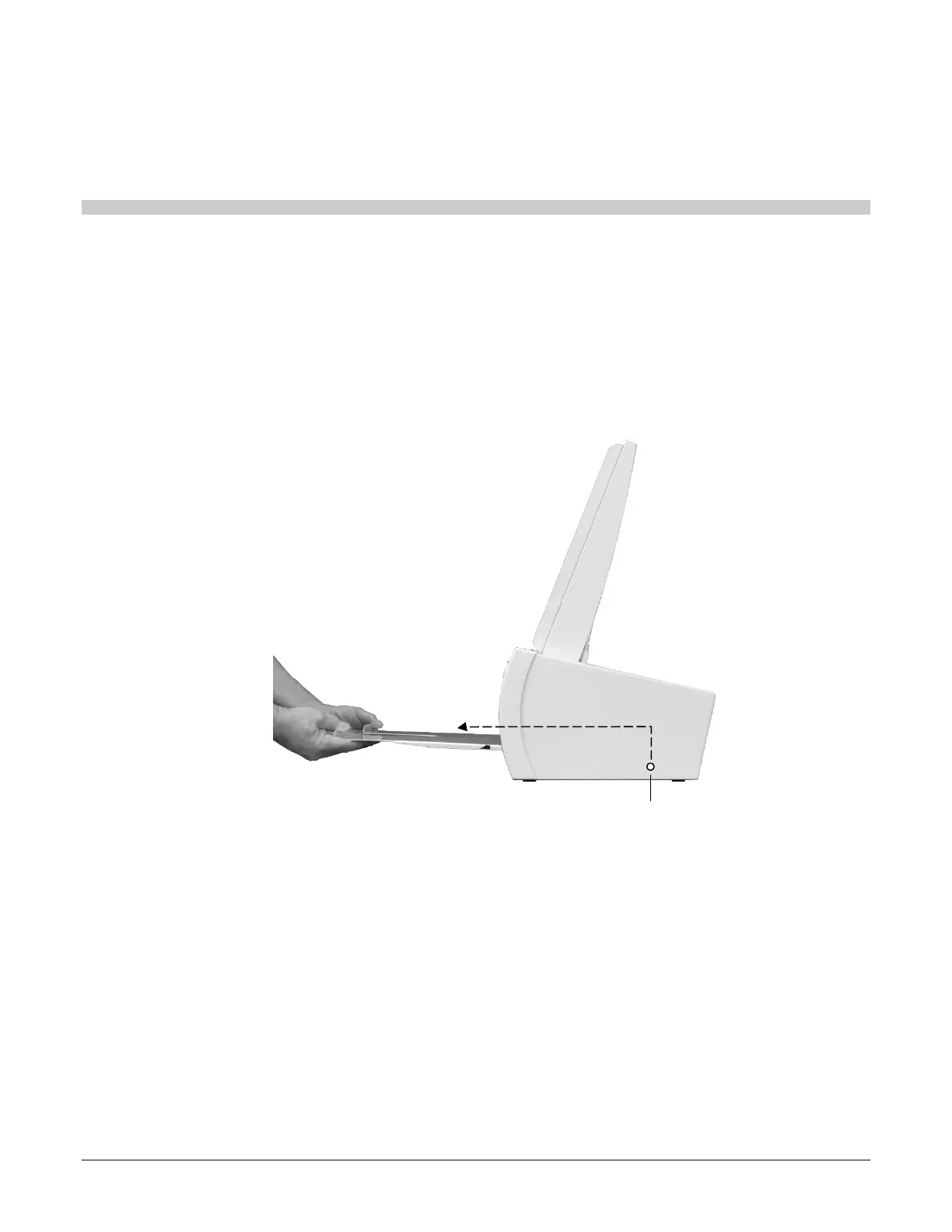
1. Remove the exit tray:
a. Lift the exit tray up to disconnect it from the internal pins.
b. Pull the exit tray out from the digitizer.
Internal pin


 To Next Page