19617-001 Rev. H DiagnosticPRO Edge User’s Guide 14
Handling films over 17”
Feed longer films one at a time.
When feeding long films, you may need to support them as they are pulled into the
digitizer.
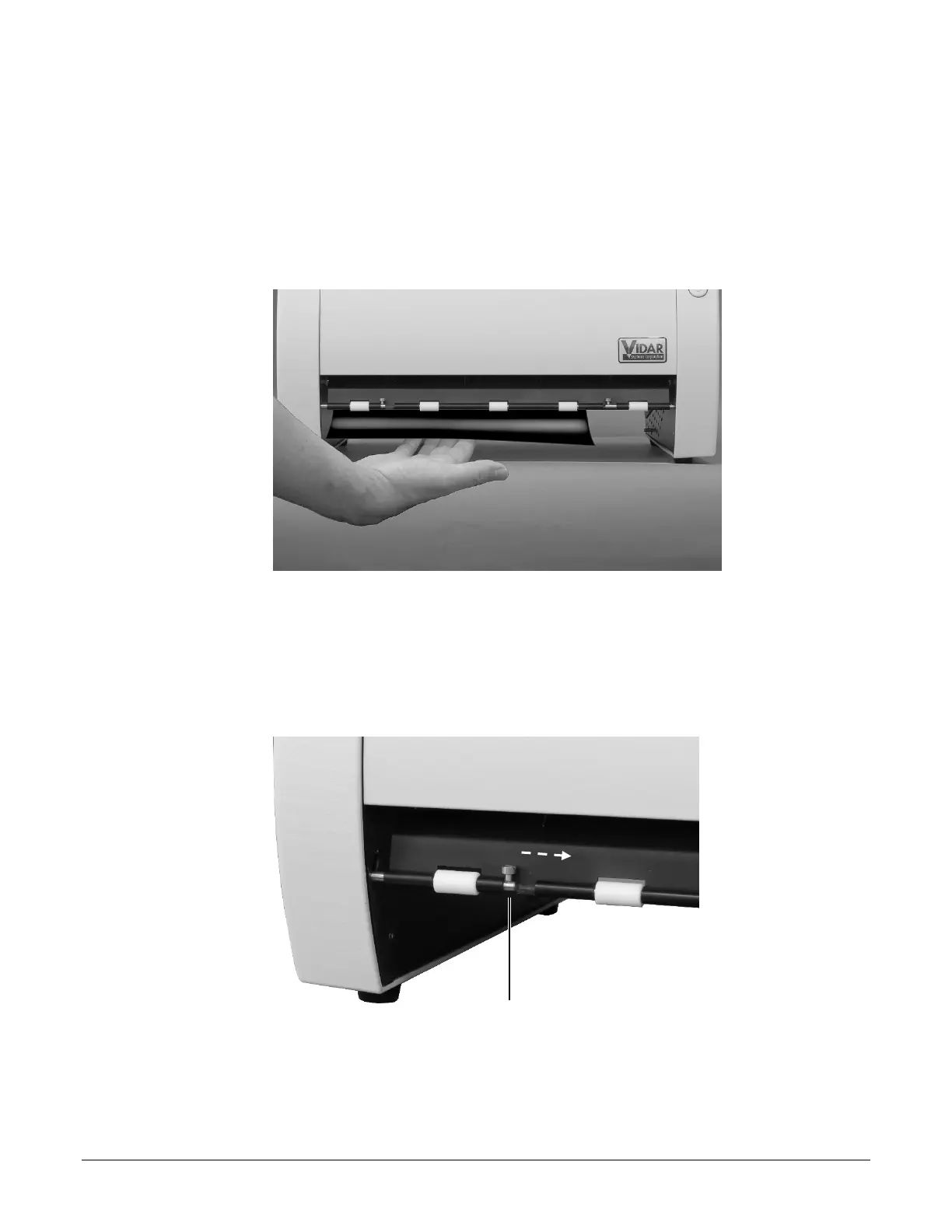
As a film exits the digitizer, use your hand to direct the film toward the front of the
digitizer.
Converting back for standard films
1. Hold the film deflector while you slide the two retainers (one on each side) toward the
center.
Retainer
2. Allow the film deflector to return to its normal position.
When the film deflector is in this position, films leaving the digitizer are directed into
the exit tray.


 To Next Page