19617-001 Rev. H DiagnosticPRO Edge User’s Guide 16
Troubleshooting
the DiagnosticPRO Edge film digitizer
Normal operation
LED indication Condition
Flashing light blue Digitizer calibrating, please wait.
Flashing amber See “Error conditions” in the “In
case of difficulty” section, later in
this chapter.
Solid green Ready to scan.
Flashing green Scan in progress.
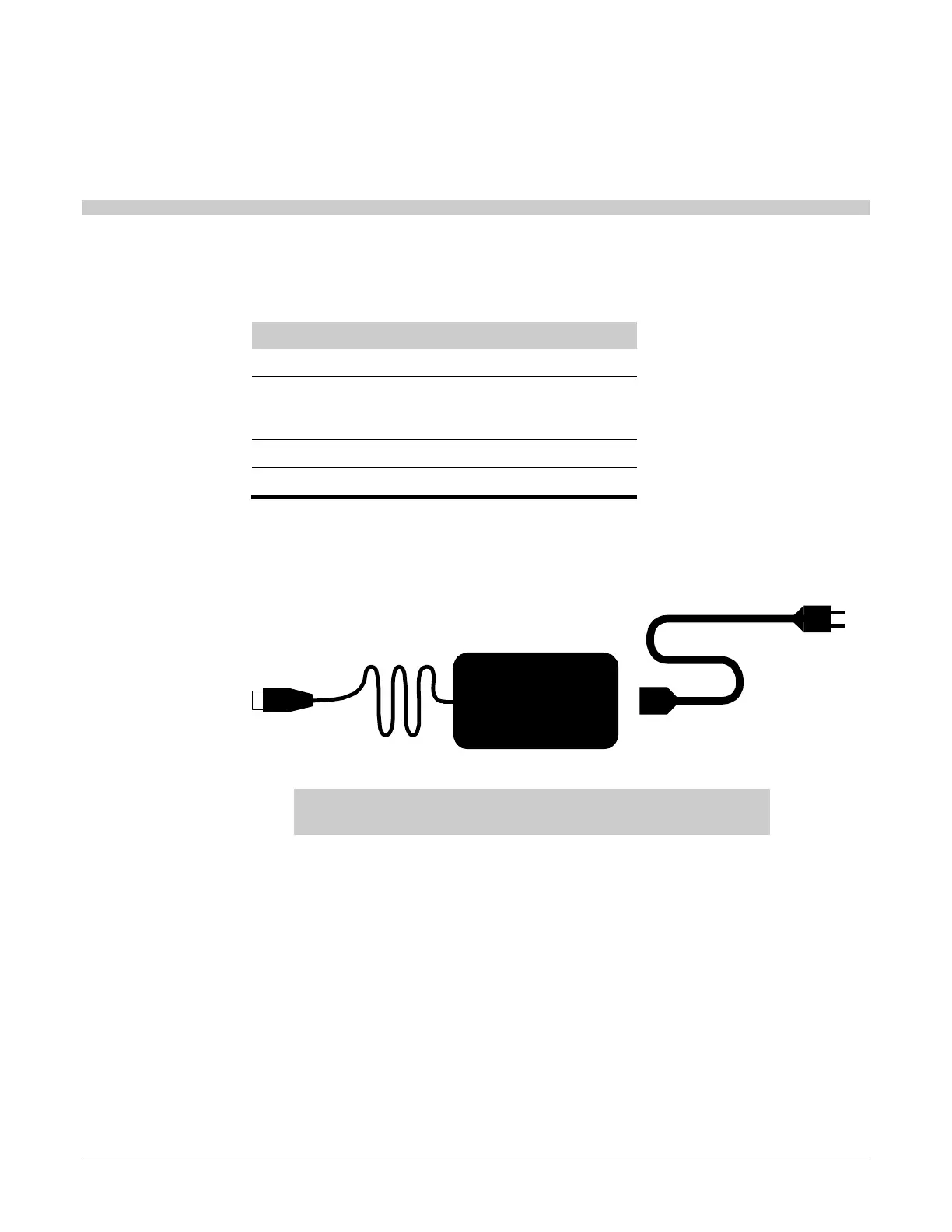
Power adapter information
CAUTION: Power the digitizer only with the power supply
adapter provided by your Service Provider or Vidar Systems Corp.
AC inDC out


 To Next Page