19617-001 Rev. H DiagnosticPRO Edge User’s Guide 20
Turning the digitizer on and off
WARNING
Do not apply power by plugging the DC power connector into
the digitizer while the power adapter is live. Do not remove
power by unplugging the DC power connector from the digitizer
while the power adapter is live. Either of these actions could
permanently damage the digitizer, the power adapter or both.
Note: DiagnosticPRO Edge was designed to be powered
continuously. Under normal conditions, the digitizer should
remain on at all times.
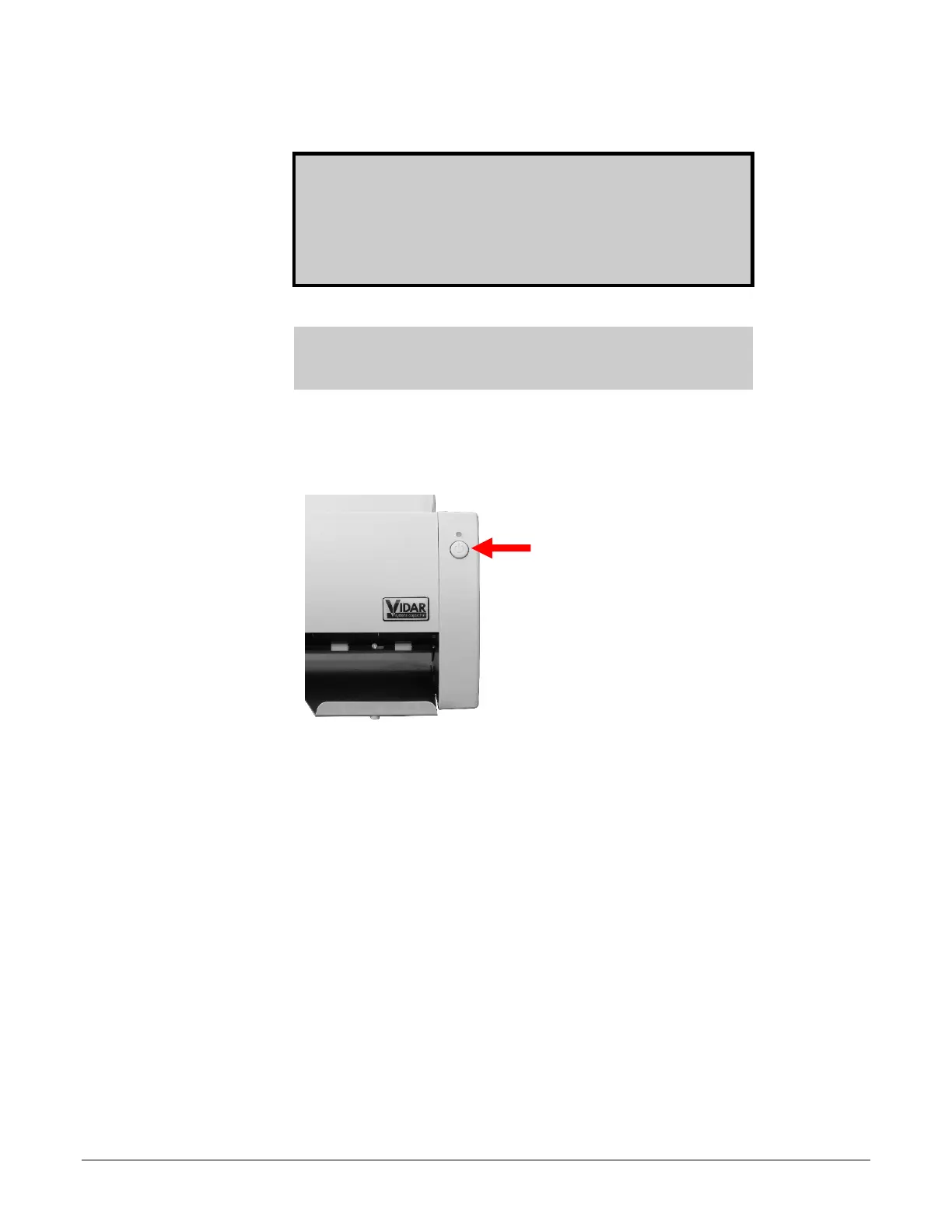
Use only the power switch to turn the digitizer on or turn it off:
The power switch is located on the front of the digitizer.
To turn digitizer ON:
Press and release power switch.
To turn digitizer OFF:
Press and hold for two seconds.


 To Next Page