19617-001 Rev. H DiagnosticPRO Edge User’s Guide 23
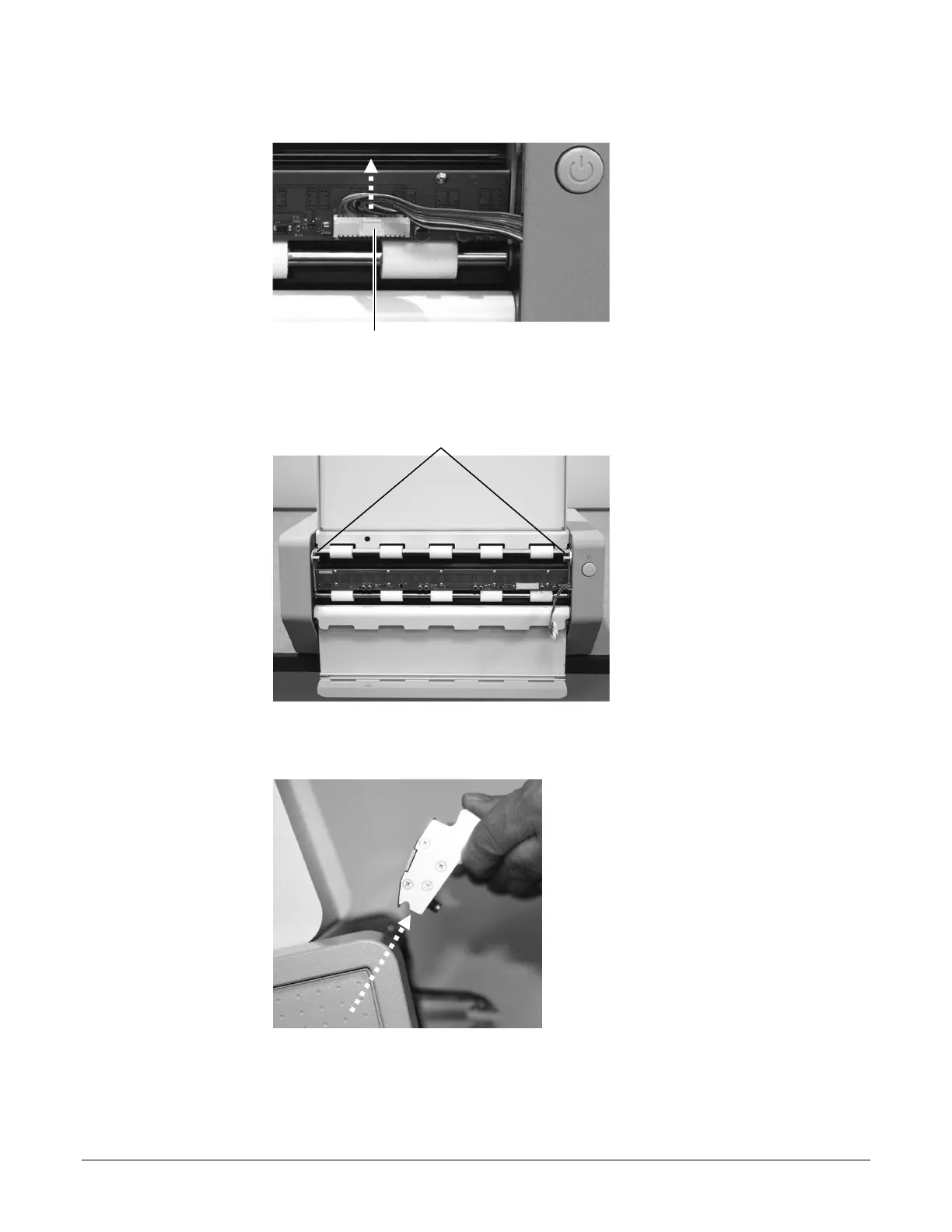
3. Disconnect the cable: press the top of the latch, then pull the connector up out of the
jack.
Latch
4. Loosen 2 captive screws securing the LED Bar (fingers work fine, but using a
screwdriver is okay).
Captive screws
5. Remove the LED cartridge: grasp the cartridge at both ends, pull it slightly toward
you, then slide it up out of the chassis.


 To Next Page