19617-001 Rev. H DiagnosticPRO Edge User’s Guide 25
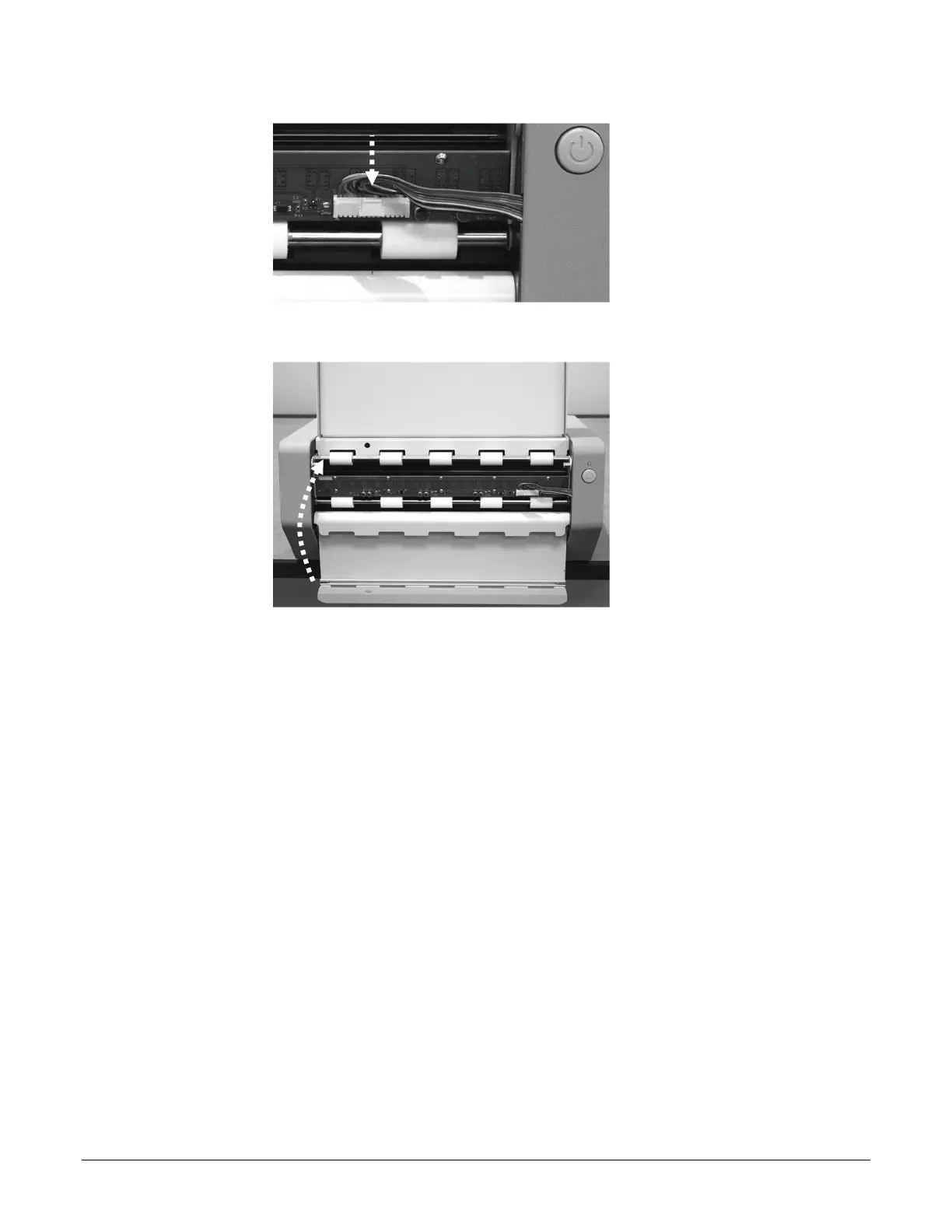
9. Plug the cable into the jack.
10. Close the front panel.
11. Power up the system:
a. Assure the PC is off.
b. Plug the USB cable and power cable into the jacks on the rear of the digitizer.
c. Turn on the digitizer: press and release the power switch on the front panel.
d. Observe the LED on the front of the digitizer. It should flash light blue for several
minutes (indicating the digitizer is performing internal tests and calibration).
e. When the LED stops flashing and remains green, turn on the PC.
The digitizer is now ready to scan films.


 To Next Page