Carousel Mate - Service Manual
Page 10
CarouselMate_sm-1300-01-Oct2014
Service: 1-866-821-2647
Oce: 1-800-210-0141
www.storevertical.com
OPERATING INSTRUCTIONS
Setup
To enter setup mode you will need to do the following�
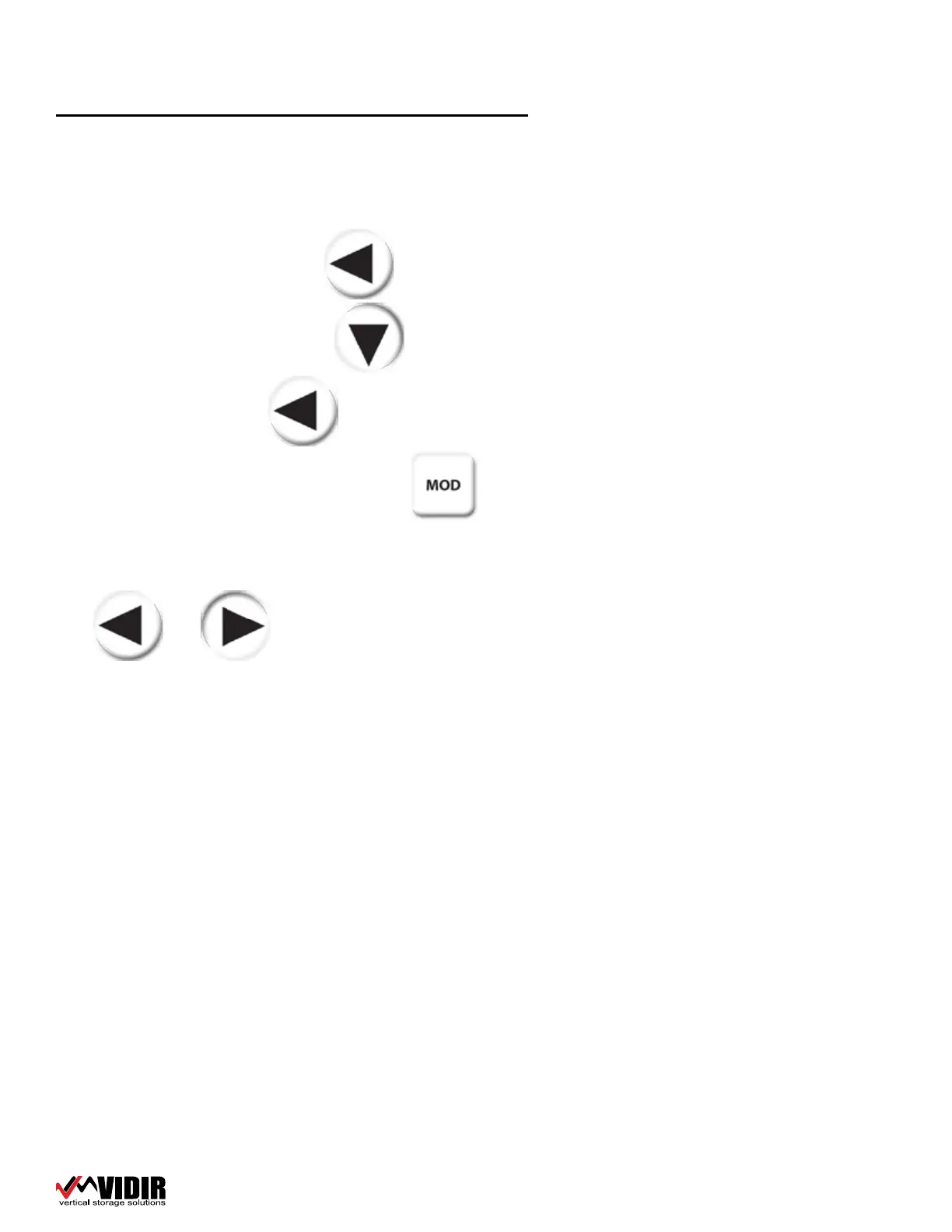
Press and Hold the left arrow button�
Press and release the down arrow button�
Release the left button
You will now see the splash screen� Press the button to select the
Master Password entry screen� Enter the Master Password� If you do not know
the master password, contact Vidir Support at 1-866-821-2647
The and buttons are used to navigate through the various
setup screens�
The only way to EXIT the MASTER MENU is to turn o the power� When power is
turned back on, the machine will be in normal user operation mode�
The Setup Screens are as follows:
Unit of Measure
1=Imperial, 2=Metric� Enter the value of the unit of measure you wish to use�
Factory Default is 1, Imperial which is feet and inches�
Slow Down Preset
The slow down preset is not used on this machine�


 To Next Page