Carousel Mate - Service Manual
Page 12
CarouselMate_sm-1300-01-Oct2014
Service: 1-866-821-2647
Oce: 1-800-210-0141
www.storevertical.com
OPERATING INSTRUCTIONS
1� Roll Carousel Mate in front of the carousel that has the desired product�
2� Position the desired roll of material so the top of the roll is 1” BELOW the
top of the table� If the material feeds in at an angle from higher up it will lift
o the table and cause inaccurate counts�
3� Remove the Velcro straps from the roll�
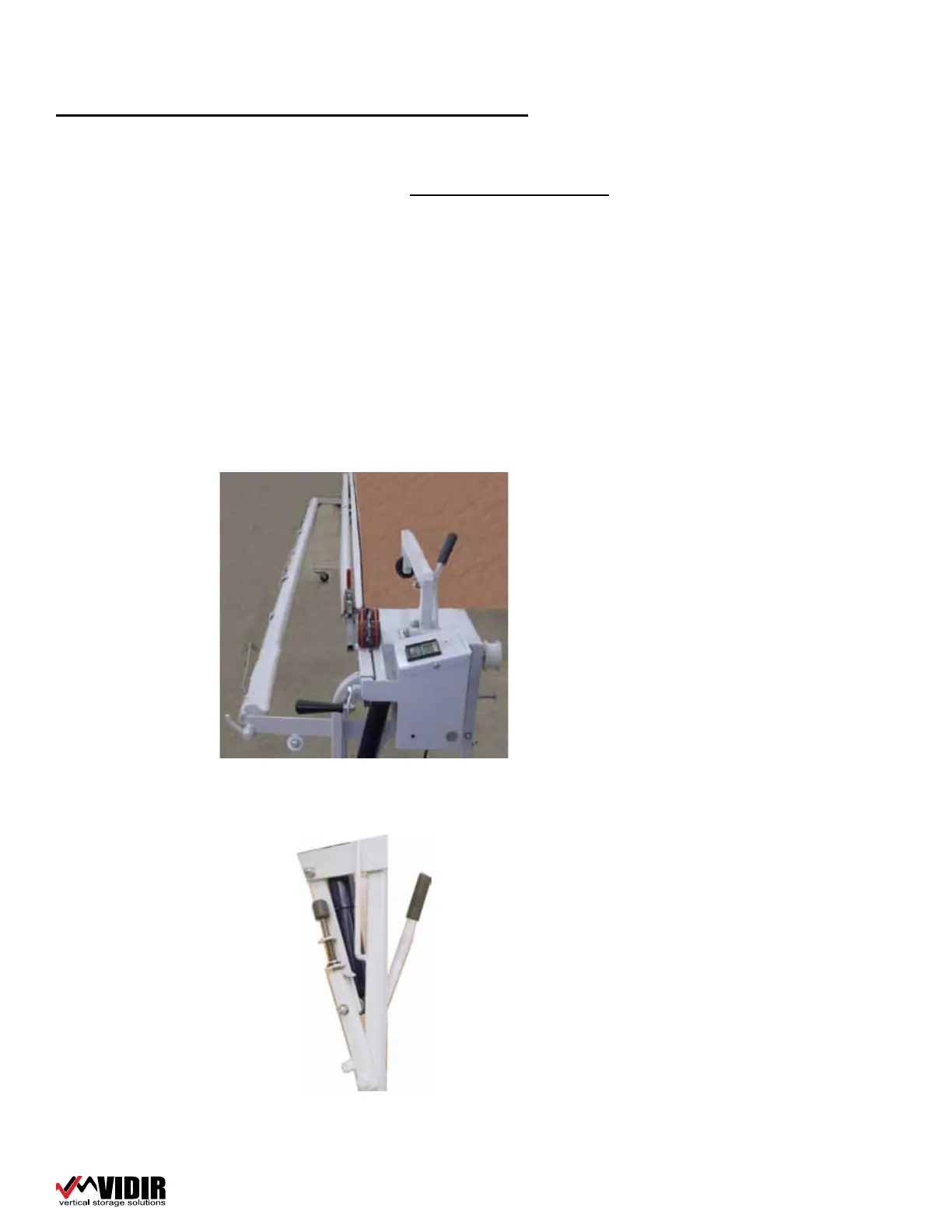
4� Raise the counter hold down weight�
5� Flip/pull the material onto the table�
6� ENSURE THAT THE BACKING OF THE MATERIAL IS DOWN (bottom side of
the carpet must be down to contact the knurled counting wheel to get an
accurate reading� If the plush side is down the counter reading will be inac-
curate!)�
7� Pull edge of material to the edge of the cutting bar groove�
8� Lower the counter hold down weight�
9� Reset counter to zero�
10� Ensure that the re-roller is in place and that the drop down levers and
latches are up and locked into position�
Operating the Carousel


 To Next Page