Page 38 of 72 PYROMAT DYN45 - DYN85 Issue 1.0 5726 783
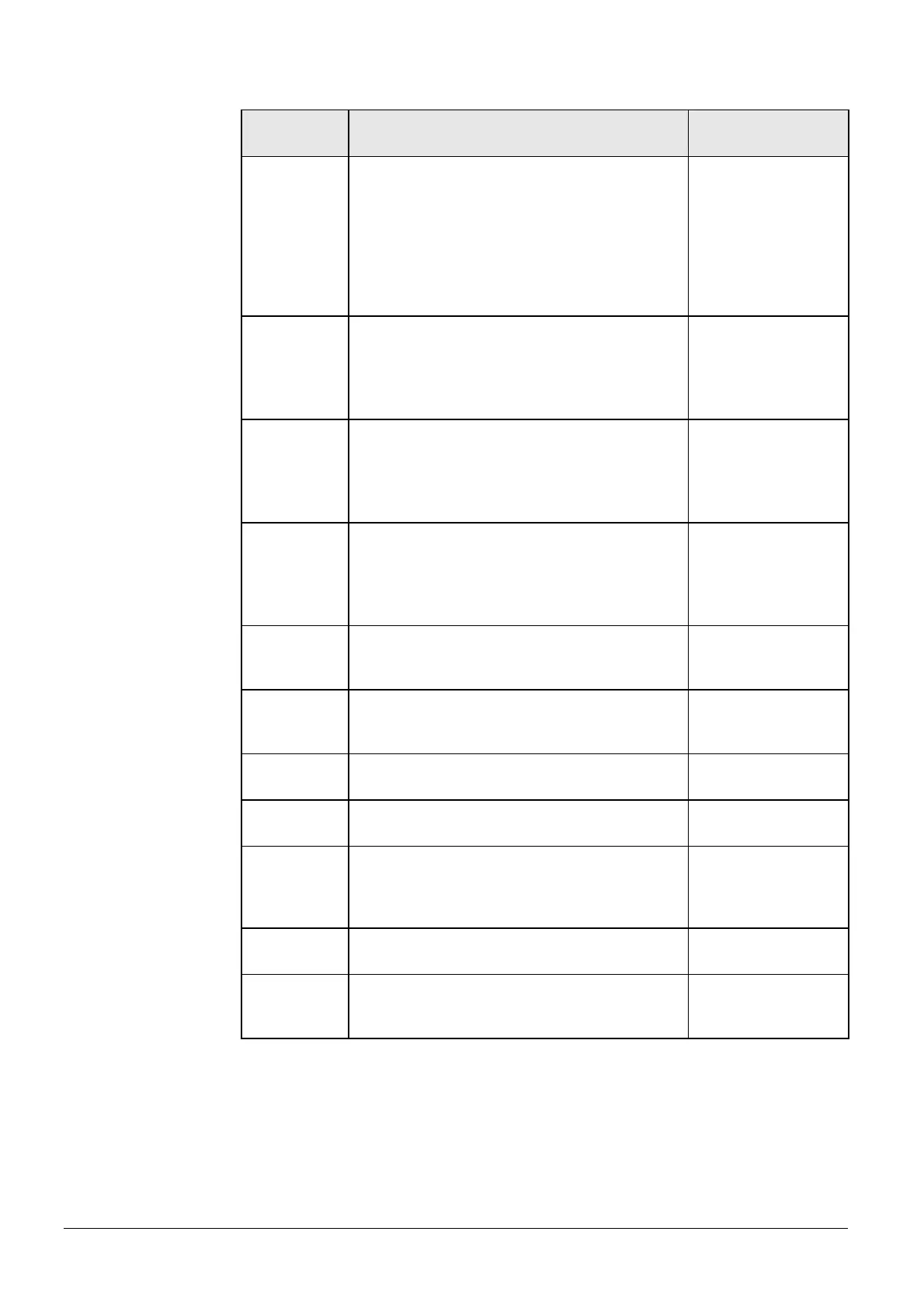
Screen
number
Parameters Factory setting
03 Heating period 1, heating day:
Set day or days for which the switching times
are to be applied. The heating days are selected
with keys F1 (for Monday) to F7 (for Sunday).
One button press Æ day selected, one further
button press Æ day deselected.
L This setting is only available with
day / night or day / off operating modes.
Mon to Sun
04 Heating period 1, start:
Set switch-over time from reduced temperature
(or off) to normal temperature.
L This setting is only available with
day / night or day / off operating modes.
06:00
05 Heating period 1, end:
Set switch-over time from normal temperature to
reduced temperature (or off).
L This setting is only available with
day / night or day / off operating modes.
22:00
Heating periods 2-7
Dependant on the number of heating periods
(figure number 2), comprising heating days,
start and end.
24 Flow temperature; at +5°C:
Set desired flow temperature when outside
temperature is -15°C (see heating curve).
43°C
25 Flow temperature; at -15°C:
Set desired flow temperature when outside
temperature is -15°C (see heating curve).
64°C
26 Temperature room day:
Target value for room temperature in the day.
20°C
27 Temperature room night:
Target value for room temperature in the night.
15°C
28 Night flow temperature drop of:
The temperature set is subtracted from the
calculated flow temperature when night drop-
down is operating.
-6°C
29 Maximum flow temperature:
Maximum limit for flow temperature.
70°C
30 ECO mode:
The heating is switched on and off depending
on requirement by the ECO economy-controller.
Yes








 To Next Page