135
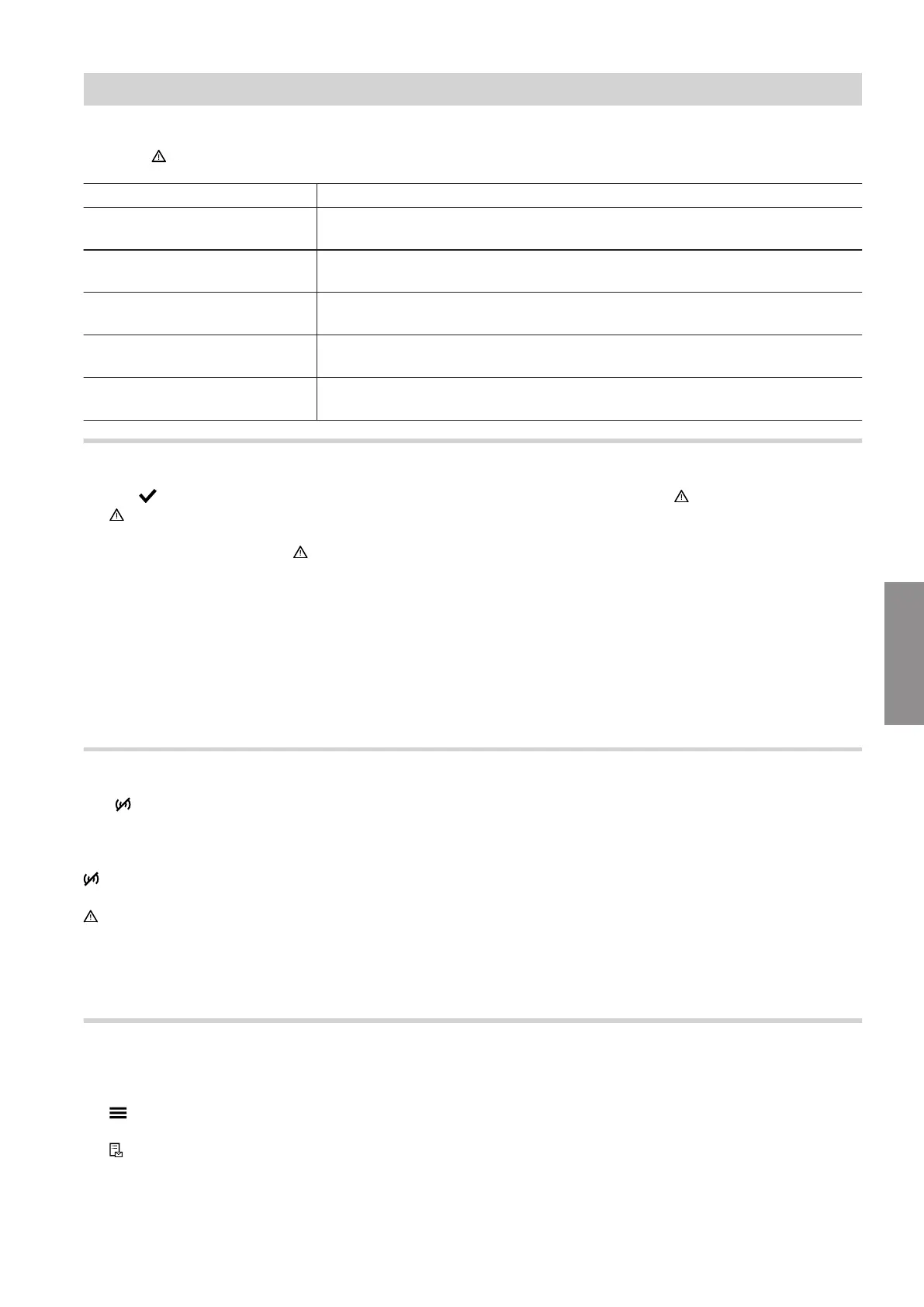
If there are messages pending in the system, the mes-
sage and are displayed. The Lightguide flashes.
Types of messages Meaning
Status
■
Operating message
■
No faults in system in normal operation
Warnings
■
The cause of the message must be remedied.
■
Limited normal operation
Information
■
Action may be required
■
System in normal operation
Faults
■
The cause of the message must be remedied without delay.
■
No normal operation
Service messages
■
The cause of the message must be remedied.
■
Limited normal operation
Calling up messages
1. Tap to hide the message.
flashes in the navigation area.
2. In the navigation area, tap .
All pending messages are displayed in a message
list:
■
The entries are grouped by the type of message
"Status", "Warnings", "Information", "Faults"
and "Service messages".
■
The messages in each group are listed in chro-
nological order.
■
A message consists of the message code, time
and message text.
If "Connection error" and are displayed:
Check connecting cable and plug between
HPMU electronics module and HMI programming unit.
Acknowledging messages
Use to acknowledge that message causes have
been remedied.
Note
acknowledges all messages in the message list.
no longer flashes.
Note
If an acknowledged service is not carried out, the serv-
ice message is redisplayed the following Monday.
Calling up acknowledged messages
Tap the following buttons:
1.
2. "Message lists"
3. If there are any corresponding messages:
■
"Status"
■
"Warnings"
■
"Information"
■
"Faults"
■
"Service messages"
The messages are displayed in chronological
order.
Troubleshooting
Message display on the programming unit
6222080
Diagnosis







 To Next Page