97
Commissioning requirements
!
Please note
Commissioning immediately after installation of
the outdoor unit can lead to appliance damage.
Wait at least 30 min between installing the out-
door unit and commissioning the heat pump.
■
All hydraulic lines are connected to the heat pump
and have been checked for leaks.
■
The indoor and outdoor units are connected to each
other hydraulically.
For modernisation projects:
–
The system has been thoroughly flushed.
–
A heating water filter (accessories) is installed
between the outdoor and indoor units, in the return
to the outdoor unit.
■
The system is not yet filled with heating water.
■
All electrical components of the system are connec-
ted.
■
All CAN bus connections have been made:
For internal CAN bus: See "Connecting the indoor/
outdoor unit CAN bus communication cable".
For external CAN bus for system networks: See
"Connecting with other Viessmann appliances via the
CAN bus".
■
The indoor unit, the instantaneous heating water
heater and the outdoor unit are connected to the
mains supply.
■
Only types ...A16 to ...A19: The compressor trans-
port bracket has been removed
Credentials for the access point
For commissioning via the ViGuide app, a WiFi con-
nection is established via the heat pump's access
point.
Three labels with the credentials required for establish-
ing the connection are attached at the factory to the
front of the programming unit. The access code is
marked .
Remove these 3 labels. Apply the labels in the follow-
ing positions:
■
For commissioning, affix a label to the place marked
on the type plate.
■
For later use, affix a label here:
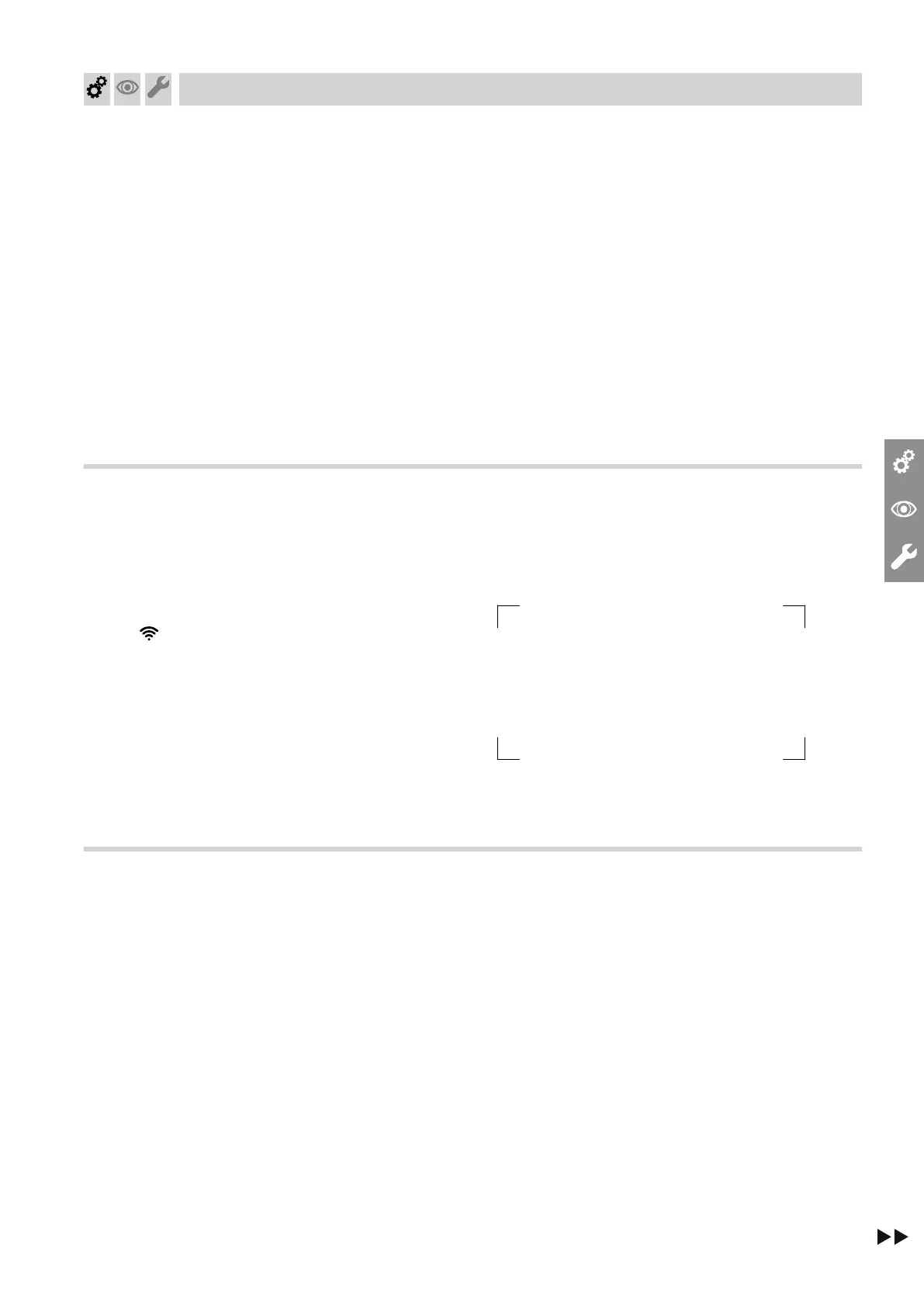
Fig. 73
■
Affix a label in the space provided in the operating
instructions.
Start sequence for indoor/outdoor units
If this start sequence is not observed, communication
errors are displayed and the system does not start.
1. Switch on the power supply at the main fuse.
2. Switch on power supply to indoor unit. Wait until
the default display is shown on the HMI program-
ming unit.
!
Please note
Freezing can cause damage to the heat
pump and to the system.
Leave the indoor unit power supply and
ON/OFF switch permanently switched on.
Only switch off the power supply and
ON/OFF switch for short periods, e.g. for
work on the heat pump.
Heat pump start-up at outside temperatures
below –10 °C
For technical reasons, heat pump start-up is
delayed by several minutes in the following cases:
■
When carrying out initial commissioning
■
After long downtimes
Commissioning, inspection, maintenance
Commissioning the system
6222080







 To Next Page