130
Parameter
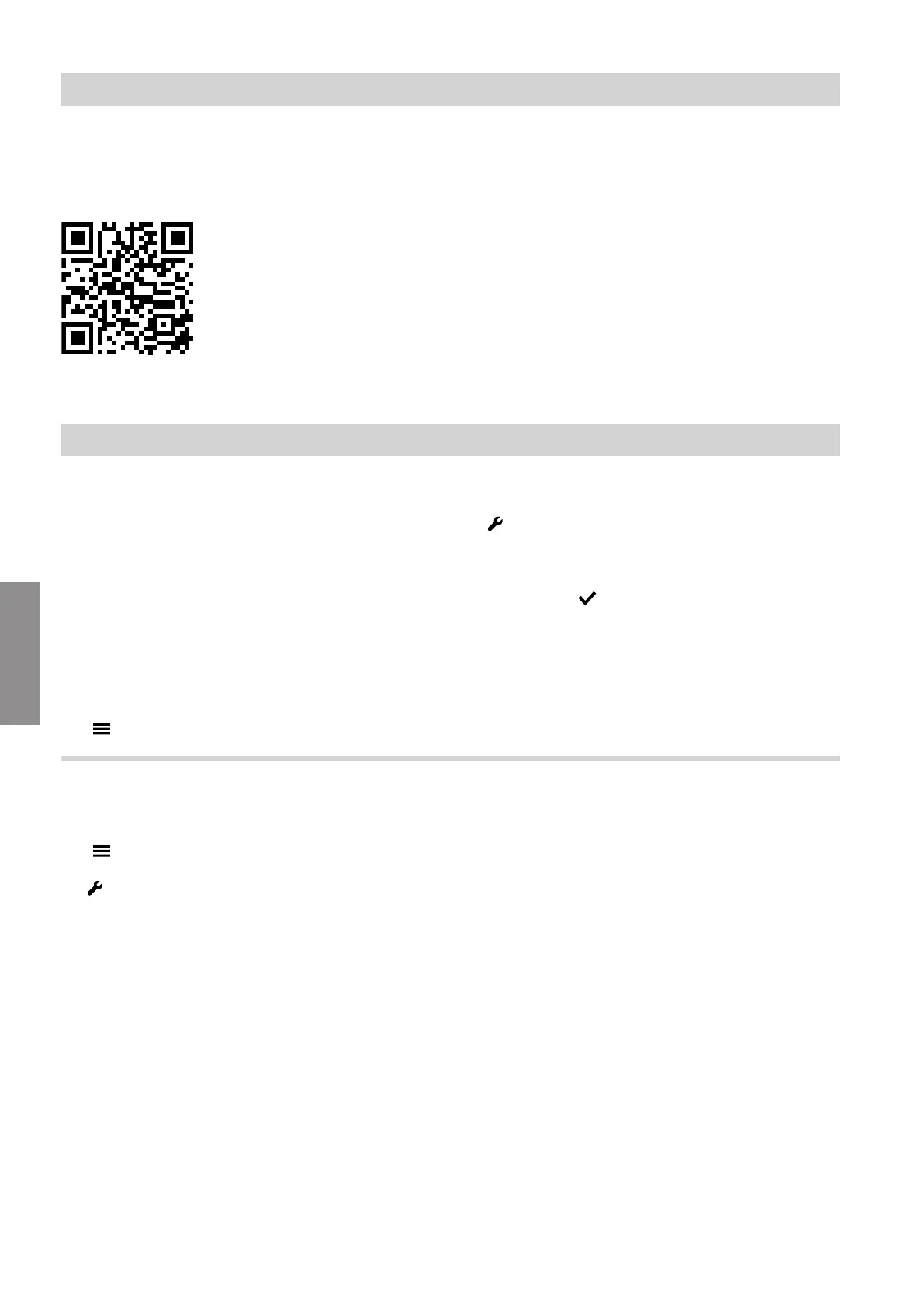
Descriptions of the parameters are available online:
https://link.viessmann.com/tdoc/6200041
Fig. 86
Diagnostics
Checking operating data
Only the operating data that correspond to the actual
system equipment level are shown.
Note
If a checked sensor is faulty, "- - -" appears on the dis-
play.
Calling up operating data
Tap the following buttons:
1. " "
2. "Service"
3. Enter password "viservice".
4. Confirm with .
5. "Diagnosis"
6. Select the required group, e.g. "General".
Refrigerant circuit
Tap the following buttons:
1. " "
2. "Service"
3. Enter password "viservice".
4. "Diagnosis"
5. "Refrigerant circuit"
Notes
■
The symbols on the display are animated if the com-
ponents are operational (e.g. circulation pumps).
■
The values shown are examples.
■
Depending on the features of the system, not all of
the displays may be available.
System configuration and diagnostics
System configuration (cont.)
6222080
Diagnosis







 To Next Page