151
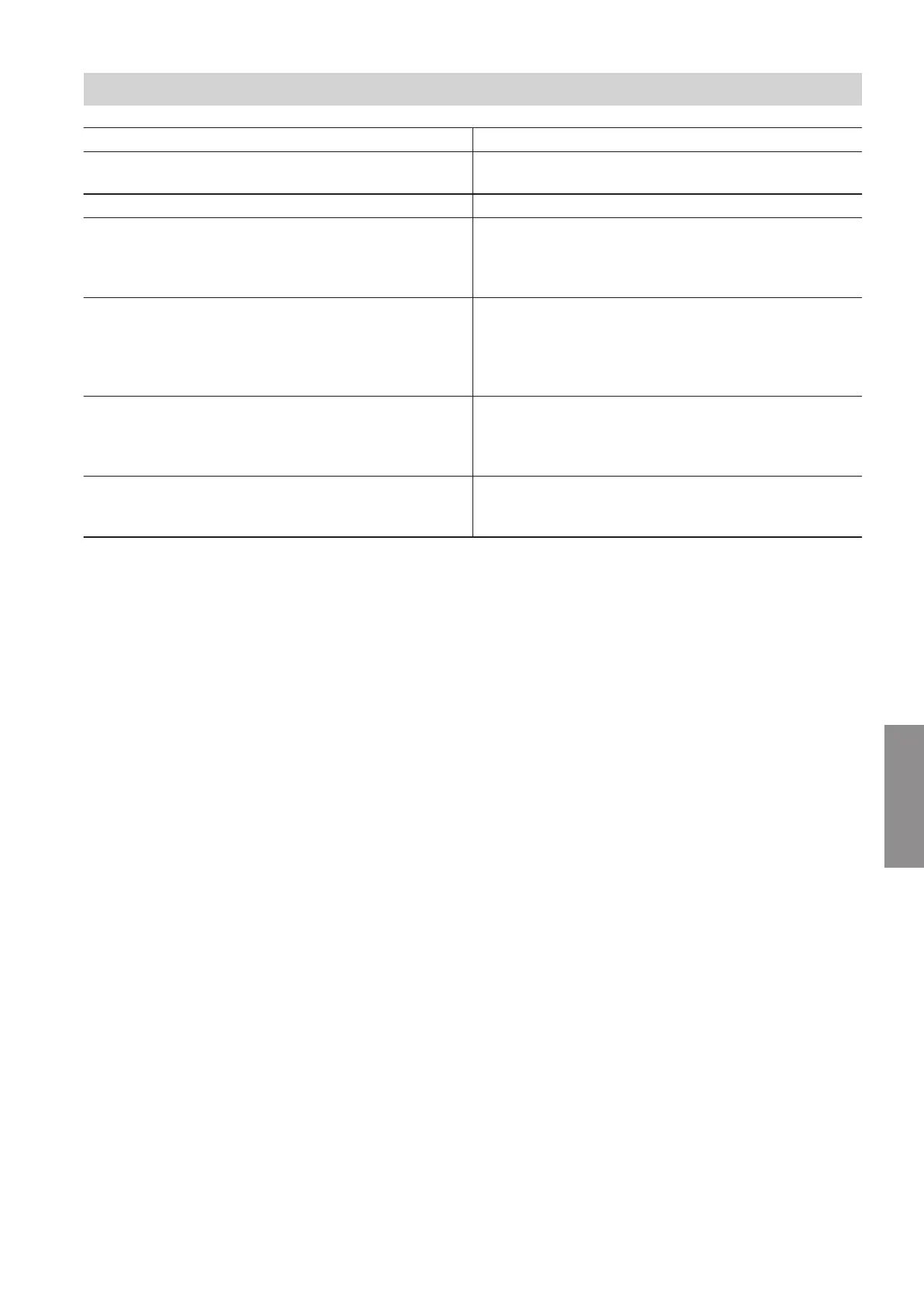
Temperature sensor NTC 10 kΩ Connection
■
Outside temperature sensor
■
Luster terminals for sensors, terminal 5 and 6
■
Plug 1 on the HPMU electronics module
■
Cylinder temperature sensor Plug 5 on the HPMU electronics module
■
Secondary circuit flow temperature sensor
Or
■
Flow temperature sensor, heating/cooling circuit 1
■
EHCU electronics module
■
Position of the temperature sensor: See chapter "In-
door unit maintenance: Overview of internal compo-
nents".
■
Return temperature sensor
■
EHCU electronics module
Cable harness in the indoor unit
■
Position of the temperature sensor: See chapter "In-
door unit maintenance: Overview of internal compo-
nents".
■
Flow temperature sensor, heating/cooling circuit 2
For indoor unit with 2 integrated heating/cooling cir-
cuits
■
EHCU electronics module
■
Position of the temperature sensor: See chapter "In-
door unit maintenance: Overview of internal compo-
nents".
■
Temperature sensor, external buffer cylinder
For indoor unit with 1 integrated heating/cooling cir-
cuit
Luster terminals for sensors, terminal 7 and 8
1. Check the lead and plug of the temperature sen-
sor.
2. Disconnect the wires from the plug.
3. Measure the temperature sensor resistance. Com-
pare the resistance with the value for the current
temperature from the following table.
4. If the deviation is > 10 %, disconnect the wires on
the temperature sensor. Repeat the test directly on
the sensor.
If required, check the on-site cable (2-core cable,
max. length 35 m with a cross-section of 1.5 mm
2
).
Depending on the test result, replace the lead or
the outside temperature sensor.
Indoor unit maintenance
Checking the temperature sensors
6222080
Maintenance





 To Next Page