30
Further settings
Emergency program
Apart from the option of returning all settings to their basic settings using key
STANDA
, there is also the "Emergency programme for reset". This returns
all settings, which systems users can alter, back to their factory settings.
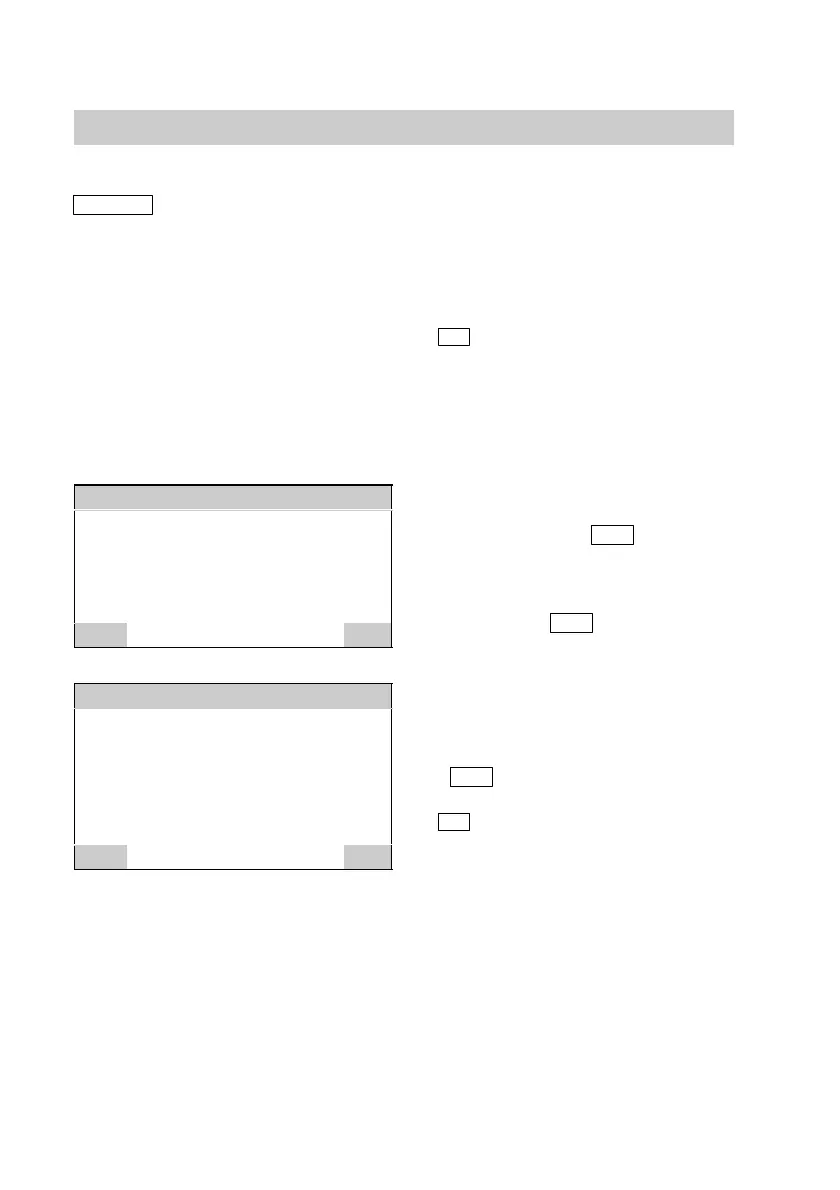
Emergency programme
Re−initialise all user level
parameters?
YES
NO
Emergency programme
Do you really want to
re−initialise?
YES
NO
Open the programming unit flap and
press the following keys:
1.
F for
"Emergency progr. f. reset".
Example
If, in spite of correctly set
switching times, the heating
circuit does not deliver any
heat.
2. Answer the question in the display
field by pressing
YES
. If you
want to exit this menu without
activating the emergency
program, respond to this question
by pressing
NO
.
3. Answer the second question in the
display field also by pressing
YES
.
4. OK press to confirm.
Close the programming unit flap.
5592 415GB






 To Next Page