EasyManua.ls Logo

Viessmann VITOCAL 300 - Changing the Date and Time (if Required)

Viessmann VITOCAL 300
46 pages
Print Icon
To Next Page IconTo Next Page
To Previous Page IconTo Previous Page
Loading...
25
Further settings
Changing the date and time (if required)
Open the programming unit flap and
press the following keys:
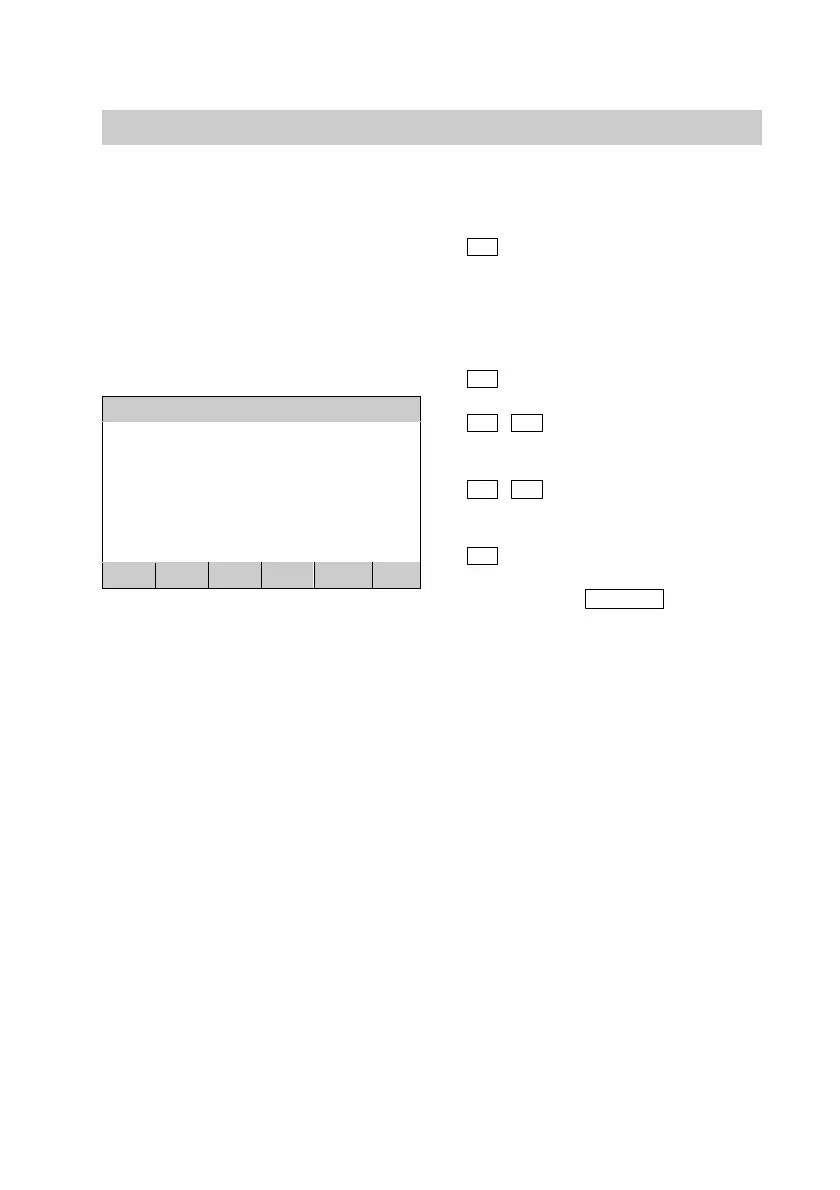
Date and time
Tuesday 24.09.02 00:00
previous : Summer time CES
new : Summer time CES
<
>
+
BACK
OK
1.
B
for "Installation
parameters".
Summer/winter time will
be automatically
changed.
2.
A
for "Date and time".
3.
<
/
>
press until the value to
be set is highlighted.
4.
+
/
press until the required
value is shown.
5.
OK
press to confirm. You
exit the program using
the
BACK
key
without saving these
settings.
Close the programming unit flap.
5592 415GB

Other manuals for Viessmann VITOCAL 300

Related product manuals