121
Calling up fault messages
Faults are indicated in the display by
means of symbols "
Î
" or "
Ϊ
".
Î
Fault with automatic reset after
removal.
Ϊ
Fault with "User reset" (UR) by
button or by "Service reset"
(SR) after removing the fault.
Fault history
Up to 10 faults are saved and displayed.
Faults are listed according to their prior-
ity (not chronologically).
Fault with display "
Î
"
1.
Press "Å". The fault message appears
on the display along with a brief
description.
For further information, see
page 123.
2. Correct the fault. A restart follows
automatically.
Fault with display "
Ϊ
"
1.
Press "Å". The fault message appears
on the display along with a brief
description.
For further information, see
page 123.
2.
Press "Å" again. The type of reset is
shown in the display.
3. Correct the fault.
4. Depending on the type of reset, press
and confirm with "OK" or carry out
"Service reset" (see page 122).
Implementing a user reset
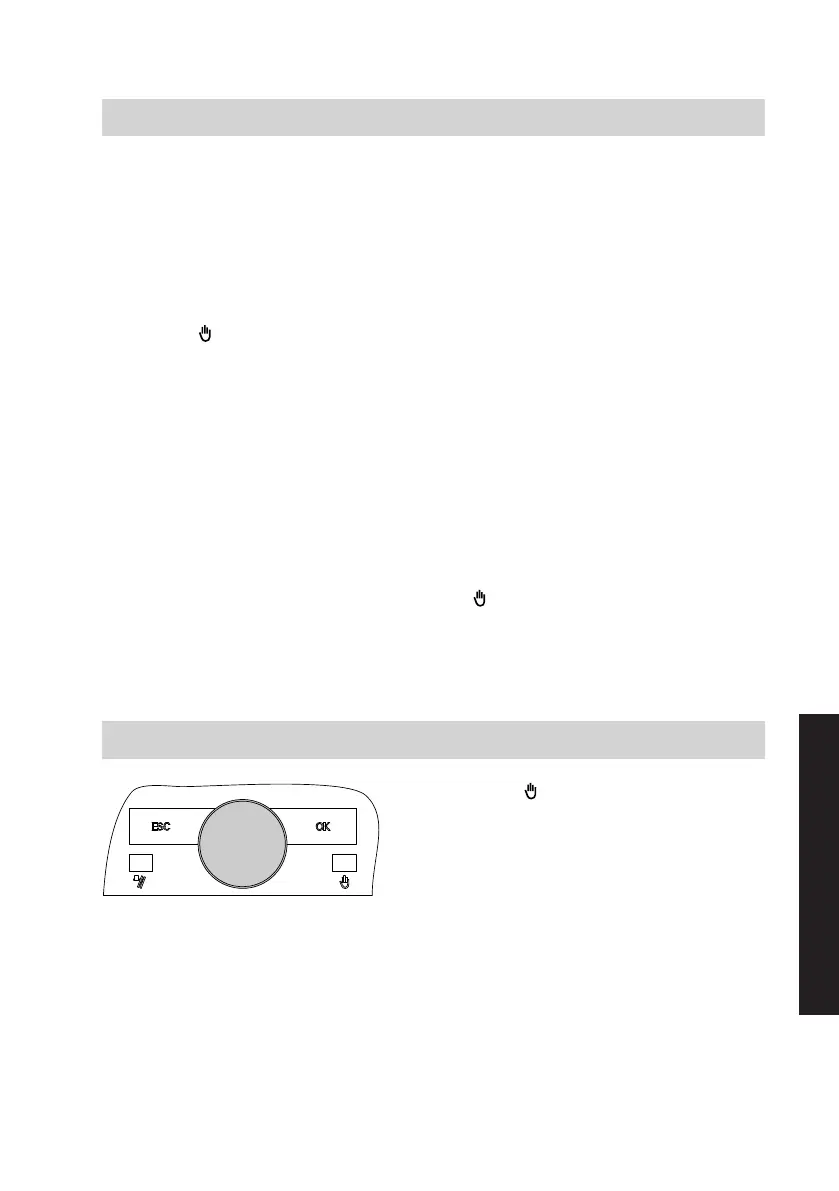
1.
Press .
2. Confirm with "OK".
Troubleshooting
Fault display
5618 294 GB
Service








 To Next Page