28
Key Description
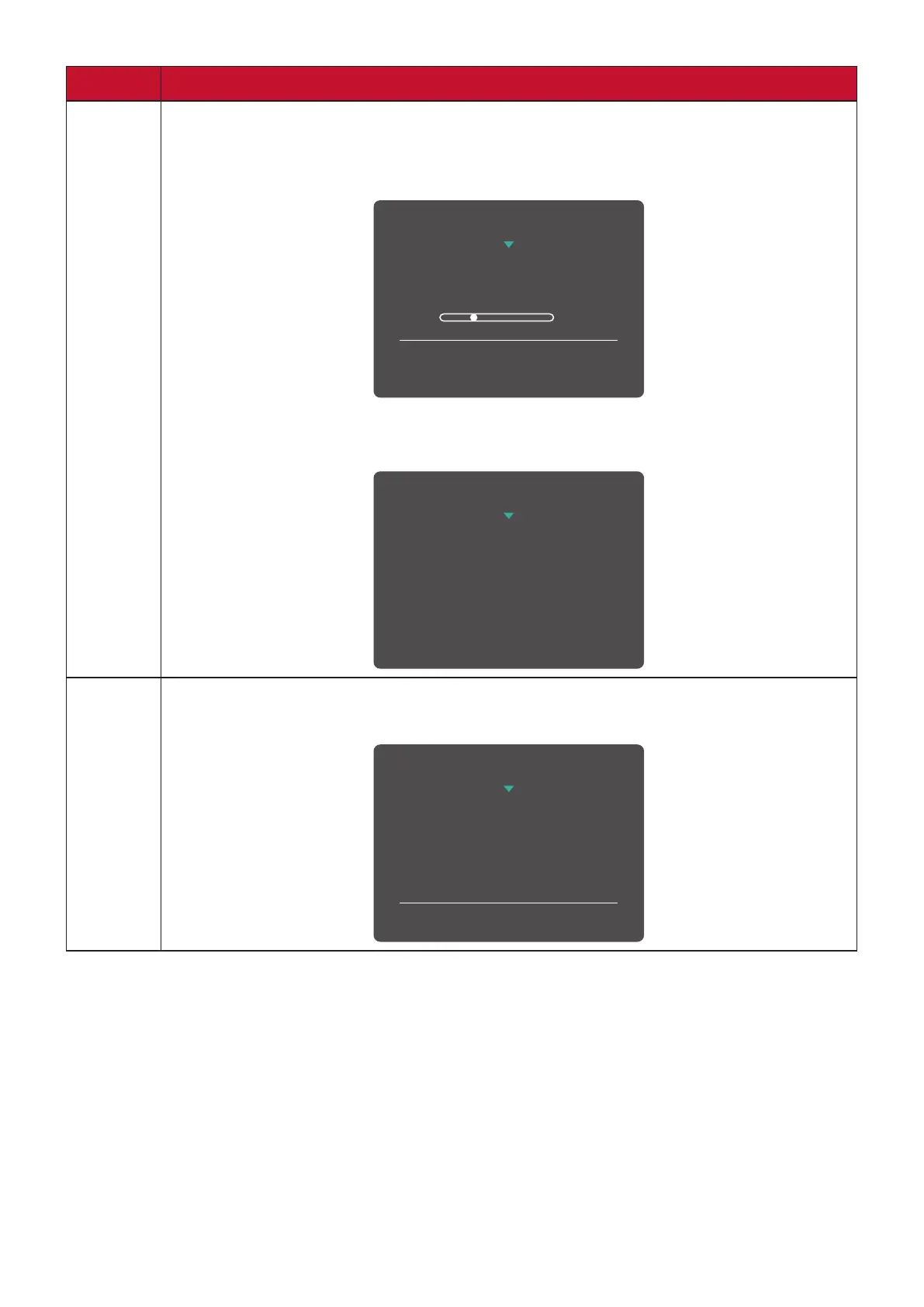
2 + 4 Touch the keys to lock/unlock the Power button.
When the menu appears on the screen, continue touching both keys for
10 seconds to lock/unlock the Power button.
3
Power Lock/Unlock
Locking Power Button
Press and hold for 10s
to lock power
If the Power button is locked, the below message will appear on the
screen:
Power Lock/Unlock
Power Button Locked
3 + 5 Touch the keys to display/hide the boot up screen when the device is
turned on.
Boot Up Screen On/Off
Off
Press to turn on















 To Next Page