59
Auto Pivot
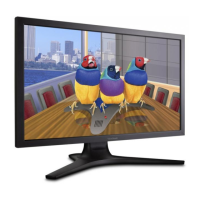
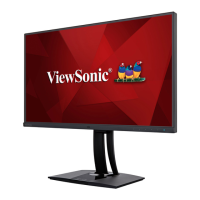
With the Auto Pivot function, the monitor can detect the image display and adjust
the image’s orientation on the screen automatically when pivoting the screen
vertically or horizontally. The application installation file is in the software folder of
the ViewSonic® CD. Or you can visit: http://color.viewsonic.com/support/software/
to check and download the latest version of the Auto Pivot application.
NOTE: The Auto Pivot function uses DDC/CI to communicate with the monitor.
Before applying the Auto Pivot function, please make sure the DDC/CI
setting is set to On.
To enable the DDC/CI settting:
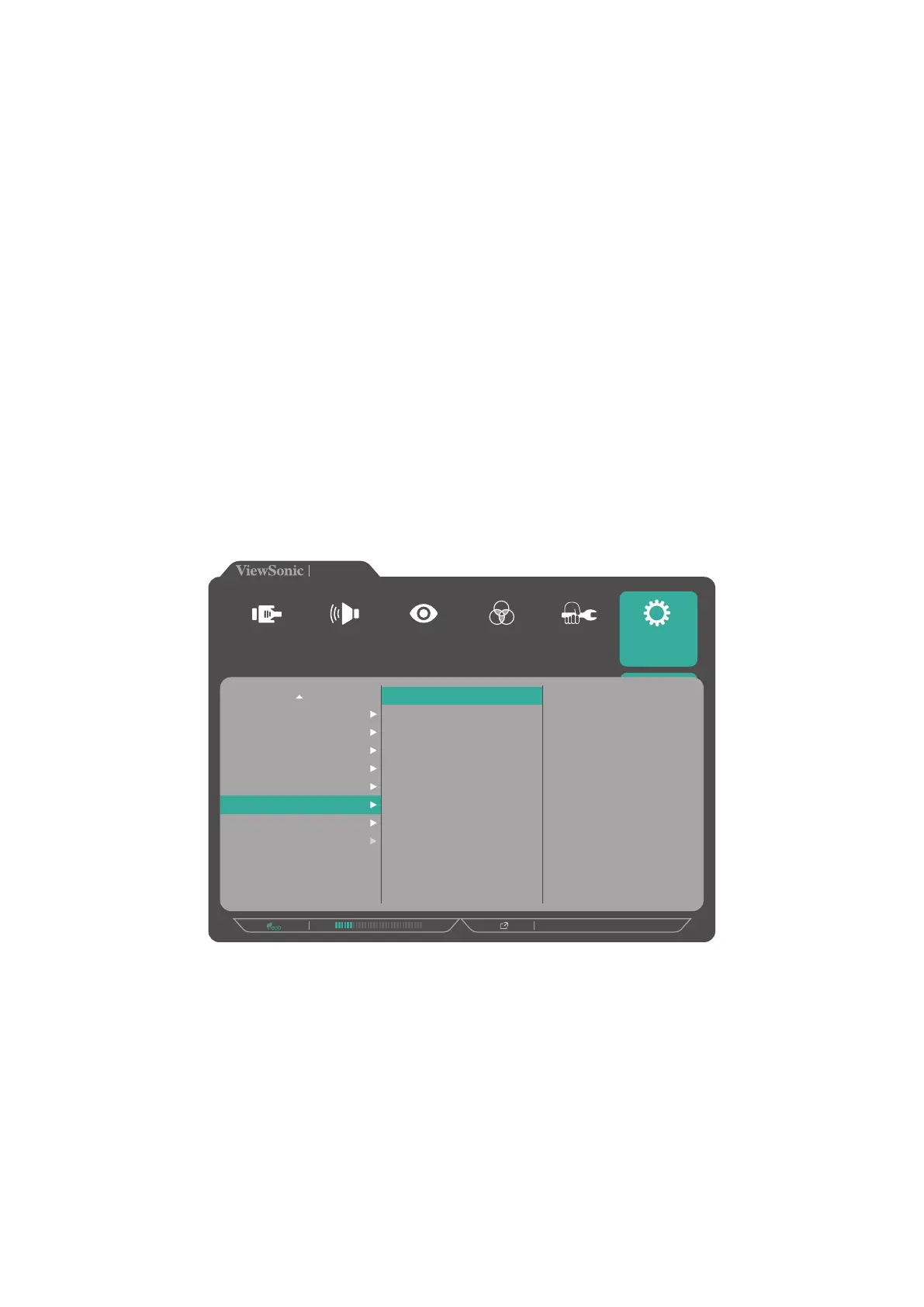
1. Open the OSD Menu and select the Setup Menu menu. Then touch the 3 key to
enter the menu.
2. Touch the 1 or 2 key to select DDC/CI. Then touch the 3 key to enter its sub-
menu.
3. Touch the 1 or 2 key to select On. Then touch the 3 key to confirm.
On
Off
720P60
VP2785-4K
Setup Menu
Color Adjust ViewMode
Manual Image
Adjust
Input
Select
Audio Adjust
Multi-Picture
ECO Mode
DisplayPort 1.2
HDMI 2.0
USB 3.1
DDC/CI
Save As
Backlight Sensor
All Recall



 To Next Page