50
Manual Image Adjust Menu
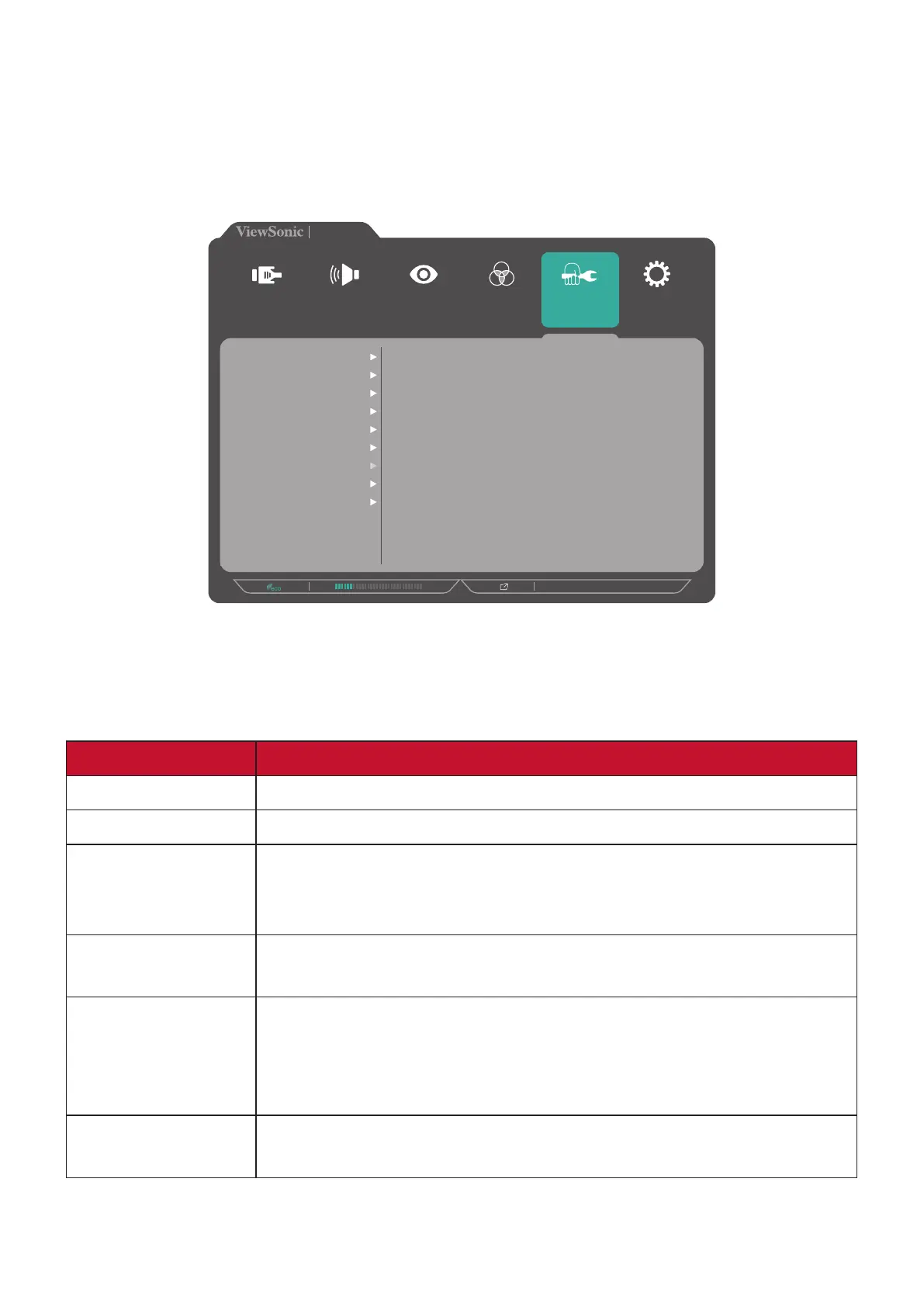
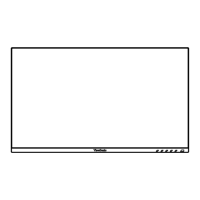
1. Touch the 1/2/3/4 key to activate the Quick Menu. Then touch the 4 key to
display the OSD Menu.
2. Touch the 1 or 2 key to select Manual Image Adjust. Then touch the 3 key to
enter the Manual Image Adjust menu.
720P60
VP2785-4K
Setup Menu
Color Adjust ViewMode
Manual Image
Adjust
Input
Select
Audio Adjust
Sharpness
Aspect Ratio
Overscan
Low Input Lag
Response Time
Blue Light Filter
Uniformity
HDR10
Film Mode
3. Touch the 1 or 2 key to select the menu option. Then touch the 3 key to enter its
sub-menu.
4. Touch the 1 or 2 key to adjust/select the setting. Then touch the 3 key to confirm
(if applicable).
Menu Option Description
Sharpness Adjust the picture quality of the monitor.
Aspect Ratio Select the aspect ratio of the monitor.
Overscan Enable this option to automatically enlarge the original
picture horizontally and vertically to an equal aspect ratio that
fills the screen.
Low Input Lag Select the appropriate speed to decrease input to output
latency.
Response Time Adjust the response time, creating smooth images without
streaking, blurring or ghosting. A low response time is perfect
for the most graphic-intense gaming, and provides amazing
visual quality while watching sports or action movies.
Blue Light Filter Adjust the filter that blocks high-energy blue light for a more
comfortable viewing experience.



 To Next Page