EasyManua.ls Logo

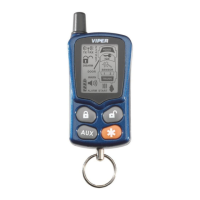
Viper 7900 - remote control communication

Viper 7900
60 pages
Print Icon
To Next Page IconTo Next Page
To Previous Page IconTo Previous Page
Loading...
11
© 2006 directed elect r o n i csall rights reser ved

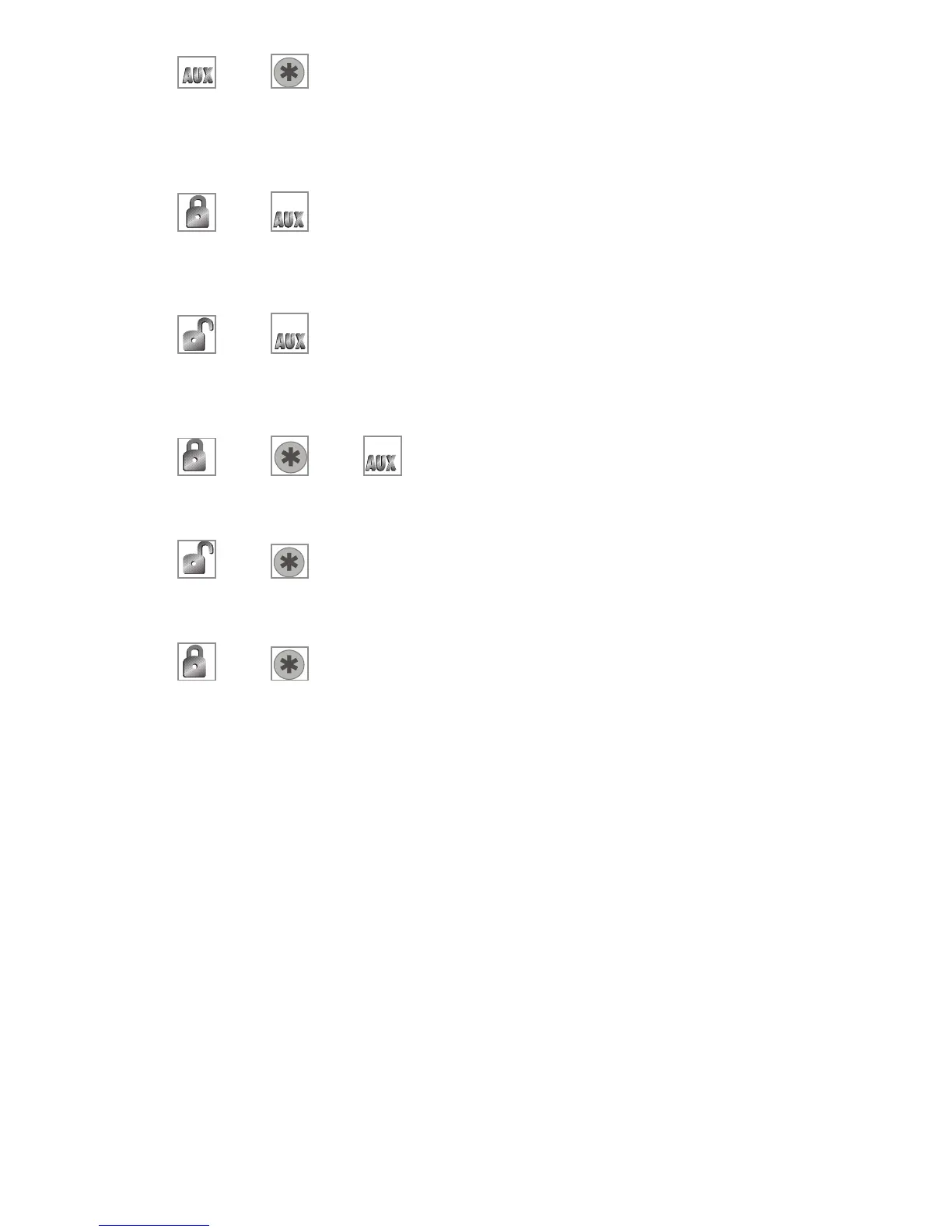
and Buttons
These buttons control the turbo timer/short run remote start
function.

and

Buttons
These buttons control the auxiliary channel 4 output.

and

Buttons
These buttons control the auxiliary channel 5 output.

and and

Buttons
These buttons control the rear window defogger function.

and Buttons
These buttons control the auxiliary channel 6 output.

and Buttons
These buttons will replay the last Notification animation
remote control communication
Below are descriptions of the functions and features the remote
control uses to communicate information.
Command send: to send a command to the system, press
the buttons for the desired function as described above. While the
remote control is transmitting, the screen will play the transmit
animation.


Other manuals for Viper 7900

Related product manuals