29
© 2006 directed elect r o n i cs—all rights reser ved
“remote” When exiting Valet mode, the remote control
Notification will be two beeps and the Disarm animation.
Use the following methods to enter and exit Valet mode.
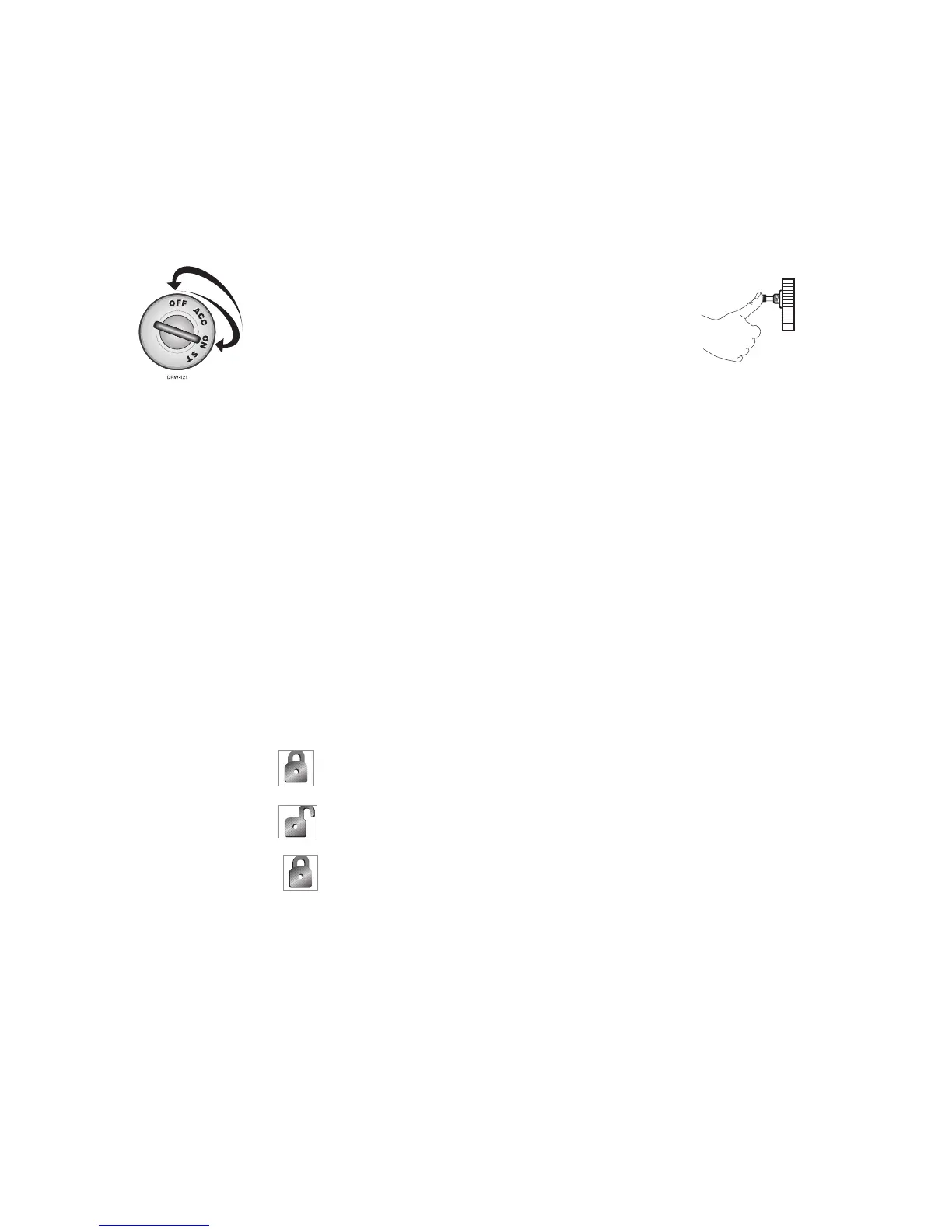
valet switch:
a. Turn the ignition on for 5
seconds
b. Turn the ignition off
c. Within 10 seconds press and
release the Valet switch once
d. The led will turn on when
entering and off when exiting
Valet mode
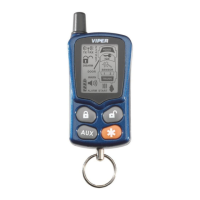
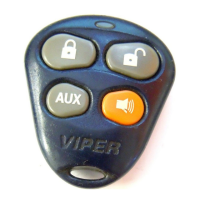
remote control:
1. Open any door.
2. Press
button immediately, the system will enter/exit
Valet mode.
5. The led will turn on when entering and off when exiting
Valet mode.



 To Next Page