27
© 2006 directed elect r o n i cs—all rights reser ved
➜
silent mode
Use Silent mode to temporarily delete arming or disarming siren
chirps when operating the system at a time where silent operation is
desired. Silent mode when arming also deletes the Warn-away response
of the alarm system.
note: Although the Warn-away function is deleted,
Full triggers of the alarm are still responded to
normally
using silent mode
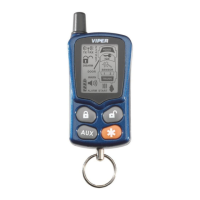
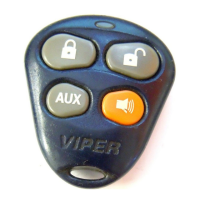
Press the
buttons.
“system” The normal arm and disarm light flash, door lock and
led functions will occur, only the siren chirps are deleted.
“remote” The normal arm and disarm Notifications will occur.
➜
panic mode
If you feel threatened while in or near your vehicle, Panic mode can
be used to attract attention and deter the threat by sounding the siren
and flashing the lights.
panic mode operation
To activate Panic mode, press and hold for two seconds the



 To Next Page