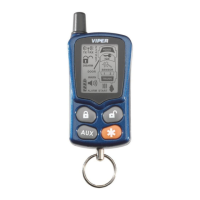
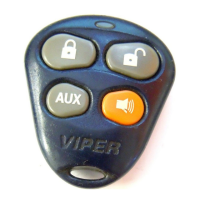
button of the remote control for 1 second to arm the
alarm.
“system” The siren will chirp once, the lights will flash once, the
doors will lock if connected, and the led will begin flashing.
“remote” The remote control Notification will be one beep,
play the arm animation and then display the status icons for 6
seconds.
note: In Valet mode, when locking the doors, the
remote control Notification will be a single beep and
the Valet mode animation.
Zone bypass
If the siren chirps twice when arming, it is an indication that an
alarm zone is active and should be checked. The led will indicate
the active zone by flashing in groups.
“remote” The remote control will beep twice and play the arm
animation. The icon for the active zone will be displayed with
the status icons.
note: refer to the diagnostics section for zone identifi-
cation information



 To Next Page